Last Updated on March 25, 2026 by gaojie
After Grok switched to a paid model in early 2026, thousands of content creators found themselves scrambling for alternatives. The frustrating reality? Most tools advertising “free” AI video generation come with hidden catches: watermarks plastered across your exports, credit limits that vanish after two videos, or quality downgrades that make your content unusable.
This guide cuts through the marketing noise. We tested over 20 AI video generators to identify 10 that actually deliver watermark-free results without draining your wallet. Whether you need unlimited generations or just a few quality clips per week, you’ll find the right tool here.
Why Most “Free” AI Video Generators Aren’t Really Free
Before diving into recommendations, let’s address why finding genuinely free tools is so challenging.
The Credit Limit Trap
Credit-based systems are the most common frustration users encounter. Research shows 78% of users cite credit limits as their primary pain point with free AI video tools. You start a project, generate three promising clips, then hit a paywall right when you need to finish.
Most platforms offer 2-5 free videos before requiring payment. Daily limits sound generous until you realize they reset unpredictably or cap at unusably low numbers.
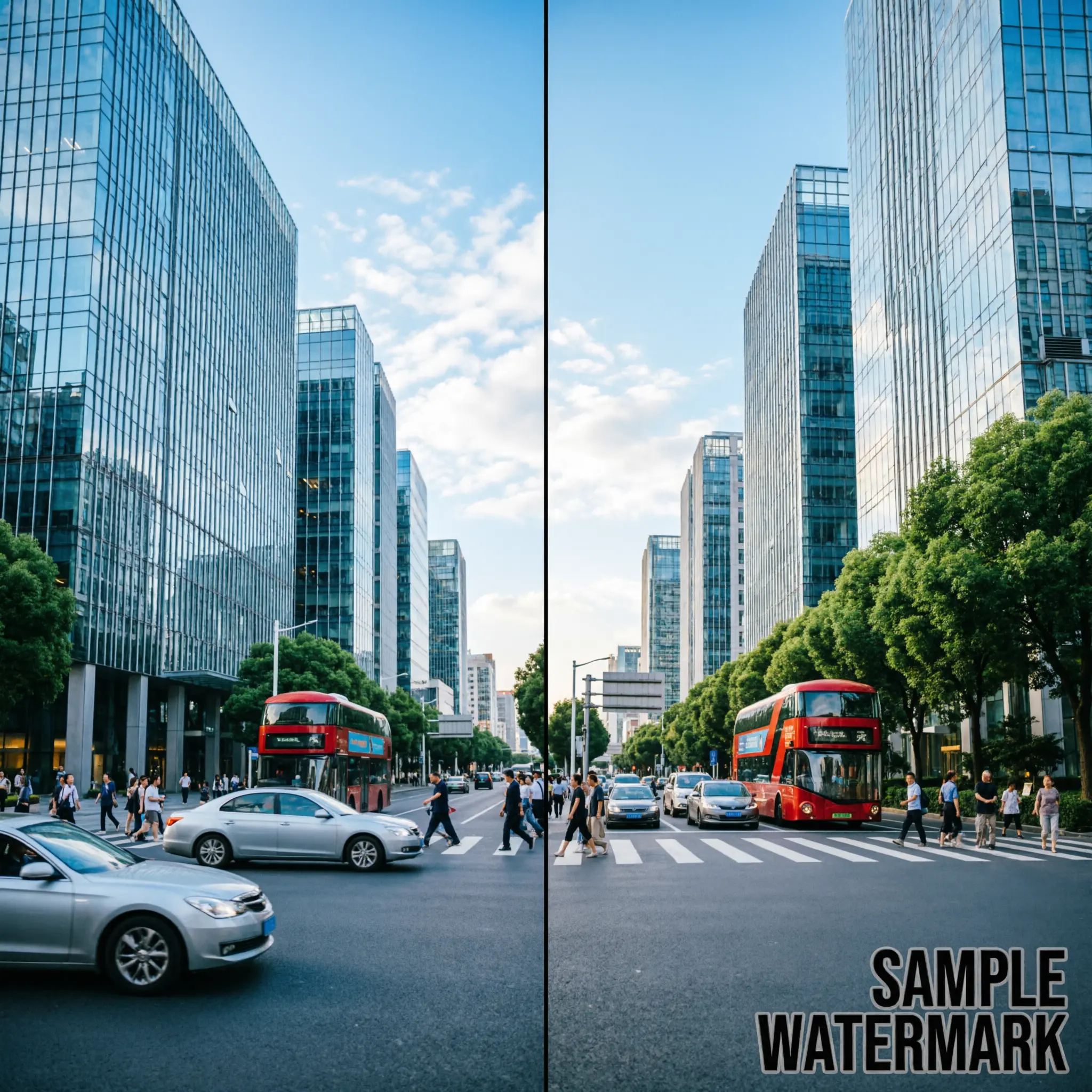
Hidden Watermarks on Export
Here’s a sneaky tactic: letting you preview clean, professional-looking videos—then adding a massive watermark when you download. 72% of users report this as a major frustration.
Watermarks immediately signal “free tier” quality. They ruin professional appearance, eliminate monetization potential, and make content unsuitable for client work.
Bait-and-Switch Pricing Tactics
Some platforms advertise “unlimited” access but throttle heavy users without warning. Higgsfield faced criticism for this approach, while Grok’s shift from free to paid caused a massive user exodus. 58% of users report encountering misleading free claims.
Quality Downgrades on Free Tiers
Free versions often produce noticeably worse output. Resolution limits, frame rate caps, and compression artifacts make free exports unsuitable for serious work while paid versions look dramatically better.
Tier 1: Truly Free & Unlimited AI Video Generators
These tools represent the gold standard—genuinely unlimited video generation without watermarks or credit restrictions.
Meta AI – Unlimited Generations, No Watermark
Meta AI offers unlimited free video generation with no watermarks whatsoever. User sentiment remains highly positive, making it the top recommendation for most creators.
The main limitation? Meta AI forces vertical (9:16) format. However, a simple workaround exists: generate your video, then crop or letterbox it in a free editor like CapCut or DaVinci Resolve for horizontal output.
Vheer – All-in-One Free Platform
Vheer provides comprehensive video generation with unlimited access. As a newer platform, it’s still establishing reputation, but user reviews trend positive. It handles both text-to-video and image-to-video workflows without credit restrictions.
Qwen AI – Free Image-to-Video
Qwen specializes in animating still images for free. While limited to single image input, it excels at bringing photographs and AI-generated images to life with motion. Perfect for creators who generate their visuals first, then animate.
ComfyUI + Wan 2.2 – The Local Unlimited Option
For technically inclined users willing to run AI locally, ComfyUI with Wan 2.2 model offers true unlimited generation. Requirements include an Nvidia GPU with 8GB+ VRAM and some setup time.
The trade-off? One-time hardware investment versus ongoing subscriptions means long-term savings. No API calls, no limits, no watermarks—ever.
Tier 2: Free AI Video Generators With Generous Credit Limits
These platforms offer meaningful free tiers that work well for light to moderate usage.
Kling AI – Daily Credit Reset
Kling provides free credits that reset daily, delivering solid quality output. If you only need a few videos per day, this system works well. The quality rivals paid alternatives.
Pika Labs – Quality Free Credits
Pika Labs maintains excellent output quality but credits deplete quickly. Best suited for occasional users who prioritize quality over volume.
PixVerse – Free Tier With Options
PixVerse offers a functional free tier, though watermark-free exports require upgrading to paid plans. Quality receives positive marks from users.
Higgsfield – 4K Output (With Caveats)
Higgsfield impresses with 4K resolution on free exports. However, reports of throttling and bait-and-switch tactics mean results vary. Worth testing, but don’t rely on it for deadline-critical projects.
Tier 3: Limited Free Options Worth Knowing
These tools offer restricted free functionality but deserve mention for specific use cases.
YouTube AI (Veo 3) – Free Inside YouTube
YouTube integrates Veo 3 AI video generation directly into its platform. Useful for creators already working within YouTube’s ecosystem, though functionality typically limits you to 3-4 videos before encountering issues.
Luma Dream Machine – Variable Free Tier
Luma offers free access with variable quality results. Good for experimentation and testing concepts before committing to production-quality tools.
Runway – Free Trial for Testing
Runway provides starting credits for testing their premium AI video technology. After trial credits expire, pricing becomes steep. Ideal for one-time projects or evaluating whether the paid tier justifies its cost.
The Grok Situation: Why Free AI Video Changed in 2026
Grok’s transformation deserves special attention since it drove many users to search for alternatives.
What Happened to Grok?
xAI’s Grok was the most popular free AI video generator throughout 2025. Its shift to paid-only access in 2026 displaced thousands of users overnight. The change highlighted a fundamental reality: free AI tools often transition to paid models once they achieve market share.
Best Grok Alternatives in 2026
For users migrating from Grok, Meta AI provides the closest replacement with unlimited free generation. Vheer offers comprehensive features as an all-in-one platform. Qwen AI excels specifically for image-to-video conversion. Each matches or exceeds Grok’s free capabilities.
How to Remove Watermarks From Any AI Video
Sometimes your preferred generator adds watermarks despite free access. Here’s how to handle that situation.
Why Watermark Removal Matters
Watermarks immediately mark content as amateur or “free tier” quality. They eliminate monetization potential on platforms like YouTube, make content unsuitable for client work, and reduce engagement when viewers perceive lower production value.
Using AI Watermark Removal Tools
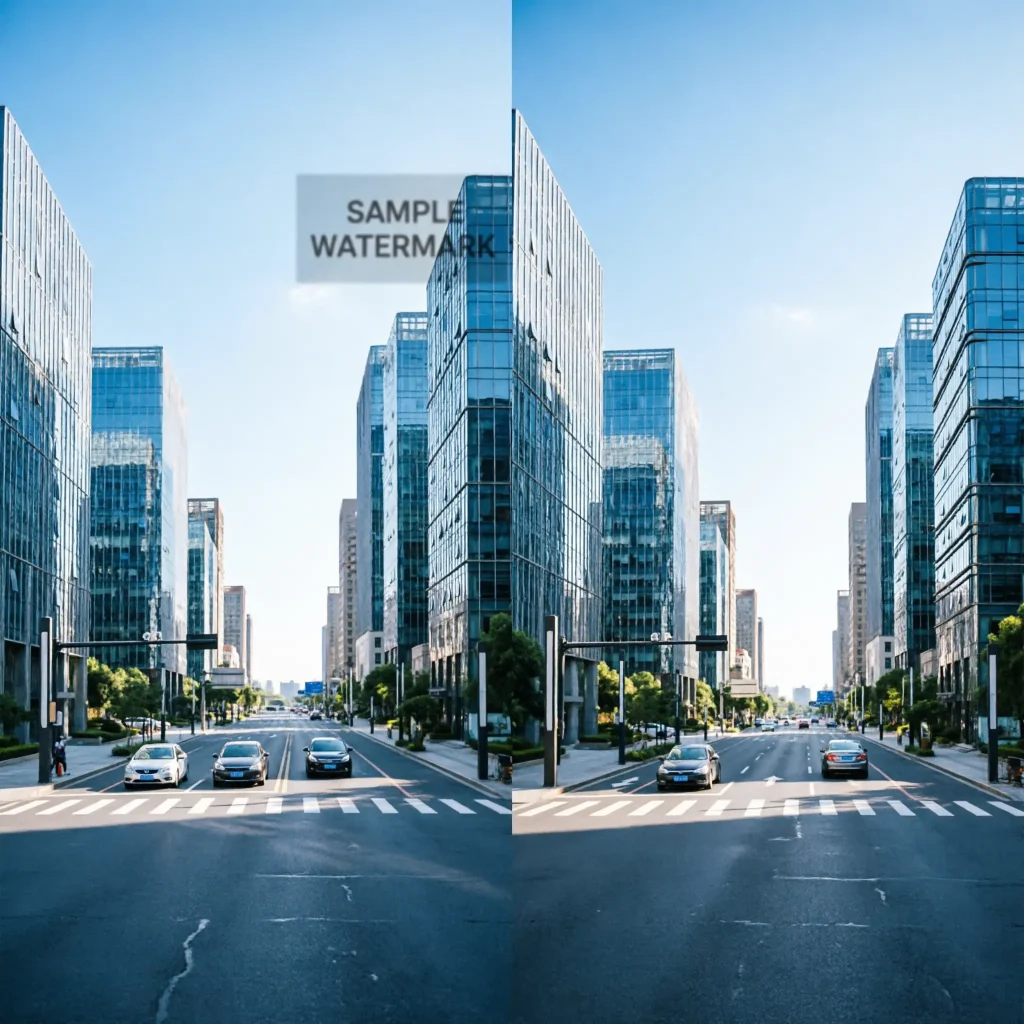
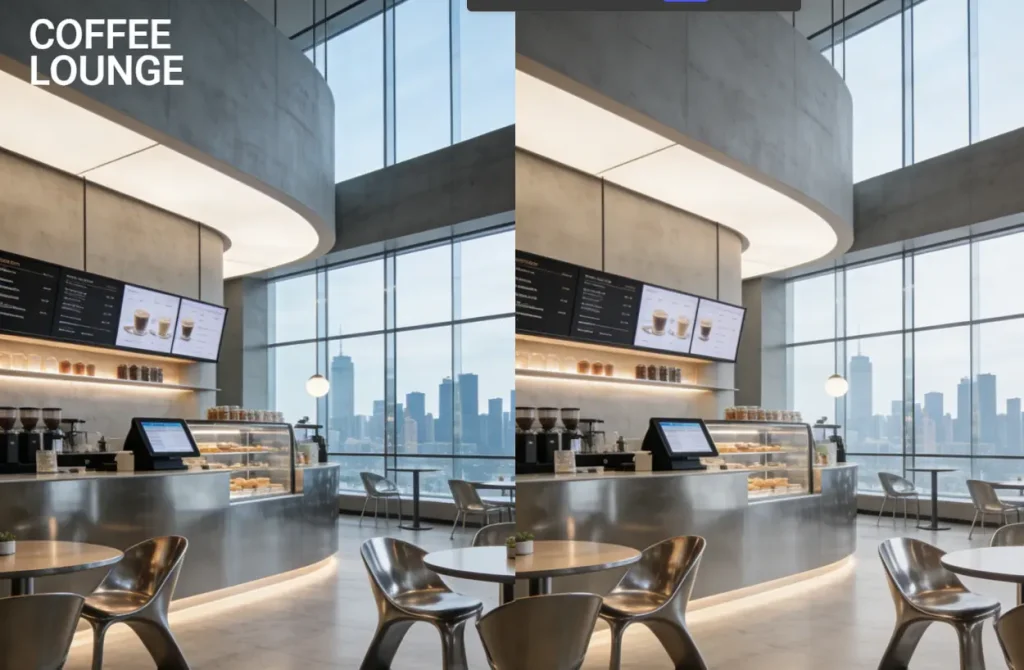
Modern AI-powered watermark removers analyze surrounding frames to seamlessly eliminate logos and text. Quality tools leave no blur, smearing, or artifacts—the removal appears invisible to viewers. They handle watermarks in corners, centers, or edges equally well.
GStory Video Watermark Remover
GStory’s Video Watermark Remover provides browser-based watermark removal without software downloads. It uses AI to process videos up to 2 hours long across formats including MP4, WEBM, MOV, M4V, MKV, and GIF. New users receive 50 credits to test the tool.
Creating Long-Form AI Videos for Free: The Workflow Stack
Power users combine multiple free tools to produce professional long-form content without subscriptions.
The Free Tool Stack
The recommended workflow chains specialized free tools:
- Script: Gemini 3 Pro for writing
- Visuals: Meta AI for image and video generation
- Voice: OpenAI FM or Gemini TTS for narration
- Edit: CapCut or DaVinci Resolve for assembly
Each tool free individually; combined they produce professional output rivaling paid solutions.
Image-First Workflow for Better Results
Generate high-quality images first, then animate them—this produces better results than direct text-to-video. You gain precise control over camera movements, lighting, and character consistency that text prompts alone cannot achieve.
Editing and Enhancement
After generating content, free enhancers like GStory’s Video Enhancer upscale footage to 4K quality with noise reduction and motion blur correction. Their AI Clip Maker automatically identifies viral moments in longer content.
Which Free AI Video Generator Should You Choose?
Your ideal tool depends on specific needs and technical comfort.
For YouTube Shorts/TikTok/Reels Creators
Meta AI handles unlimited vertical videos perfectly suited for short-form platforms. Combine with CapCut for quick edits and captions.
For Long-Form YouTube Content
Use the workflow stack approach. Generate scripts, visuals, and voiceovers separately, then combine in a free editor. Consider local options like ComfyUI for heavy production schedules.
For Small Business Marketing
Vheer or Meta AI provide unlimited creation for promotional content. Pair with enhancement tools for professional polish.
For Students and Budget Users
Start with Meta AI for unlimited generation at zero cost. No international payment methods required—accessible globally.
For Technical Users Who Want True Unlimited
Invest in hardware for ComfyUI + Wan 2.2 local setup. Initial GPU cost pays off quickly versus monthly subscriptions, providing complete control over output.
FAQs: Free AI Video Generators Without Watermark
What is the best truly free AI video generator in 2026?
Meta AI leads for unlimited generations without watermarks. Vheer offers comprehensive features as an alternative. ComfyUI serves technical users wanting local control.
How can I remove watermarks from AI-generated videos?
AI-powered tools like GStory’s Video Watermark Remover analyze surrounding pixels to seamlessly remove watermarks without visible artifacts.
Are there any AI video tools with no credit limits?
Yes. Meta AI, Vheer, and local options like ComfyUI all offer unlimited generation. Most other tools impose daily or monthly limits.
Which AI video generators work without login or signup?
Most require account creation. Some offer limited previews without accounts. Meta AI requires a Meta account.
Can I create long-form AI videos (20+ minutes) for free?
Not with single tools. Combine multiple free platforms for scripting, visuals, voice generation, and editing to produce long-form content.
Will YouTube demonetize AI-generated content?
YouTube reportedly demonetizes some AI-generated channels. Adding significant human creativity and editing reduces this risk.
What’s the best Grok alternative now that it’s paid?
Meta AI replicates Grok’s unlimited free generation most closely. Vheer and Qwen AI also provide strong alternatives.
Conclusion
Genuinely free AI video generators exist in 2026—you just need to know where to look. Meta AI and Vheer deliver unlimited watermark-free generation. Credit-based options like Kling AI and Pika Labs serve lighter usage patterns. For maximum control, local setups with ComfyUI eliminate external dependencies entirely.
When free tools do add watermarks, AI-powered removal solutions clean them up seamlessly. The workflow stack approach—combining multiple free tools—produces professional results rivaling expensive subscriptions.
Start with Meta AI for immediate unlimited access. Explore the workflow stack for production-quality long-form content. The tools exist; now you know which ones actually work.
Leave a Reply