Last Updated on January 16, 2026 by Xu Yue
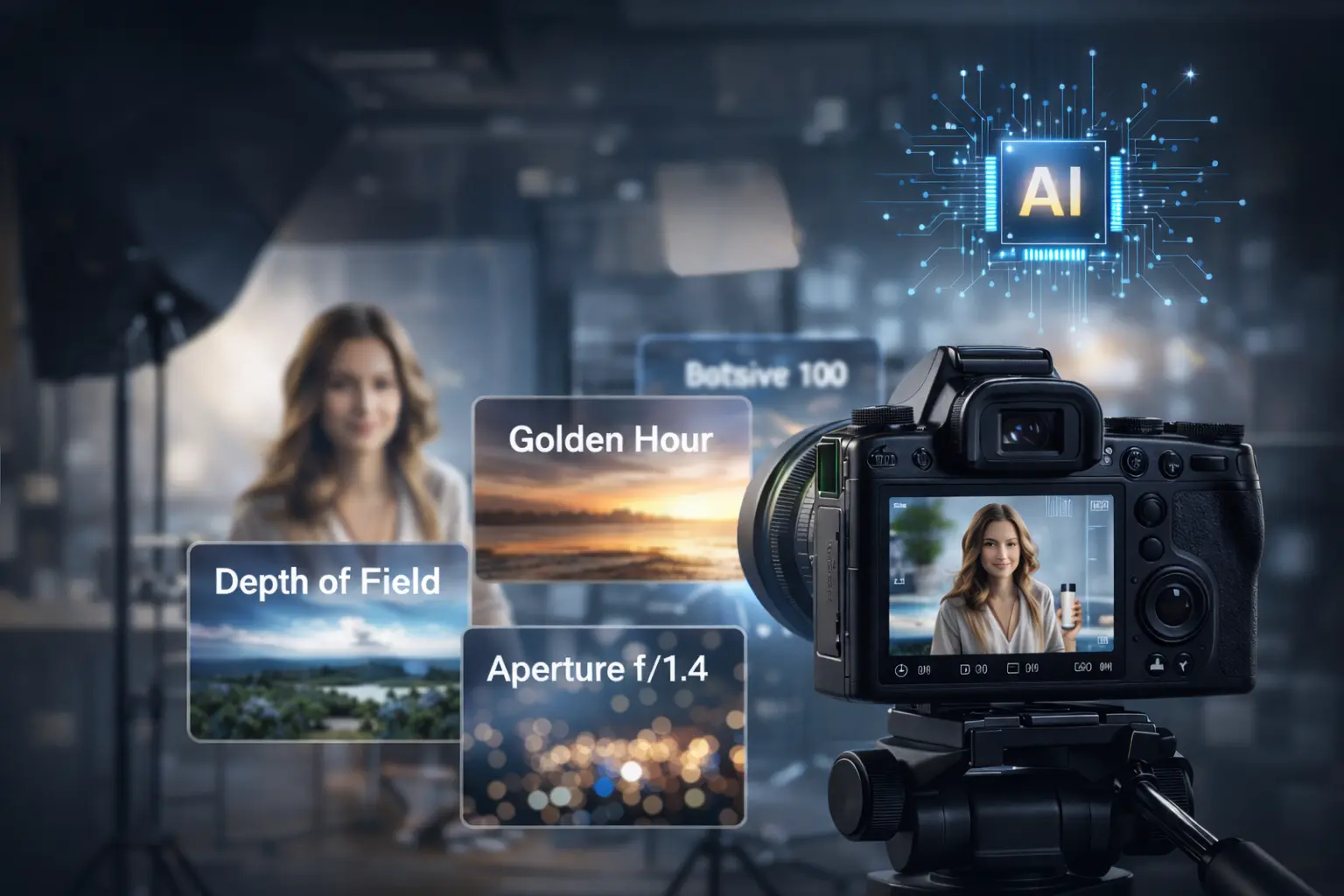
Ever wonder why some Gemini AI photos look like professional photography while yours look obviously AI-generated? The secret isn’t luck—it’s vocabulary.
Most beginners write vague prompts like “make me look professional” when Gemini AI needs specific photography terms to understand what you actually want. This guide teaches you the exact photography terminology that transforms average prompts into photorealistic masterpieces, with copy-paste examples you can use immediately.
Why Photography Terms Matter for AI Gemini Photo Prompt Success
Understanding photography vocabulary is the key difference between amateur and stunning AI-generated images.
How Gemini AI Interprets Your Prompts
Gemini learned from millions of professionally-described photographs. When photographers caption images, they use terms like “soft diffused light” and “shallow depth of field”—not “nice lighting” or “blurry background.”
Using the same vocabulary photographers use helps Gemini understand exactly what you want. It’s like speaking the AI’s native language.
The Difference Between Amateur and Professional Prompts
| Amateur Prompt | Professional Prompt |
| “Nice lighting” | “Soft diffused window light with rim lighting” |
| “Good quality” | “8K resolution, sharp focus” |
| “Blurry background” | “Shallow depth of field, f/1.8 bokeh” |
The professional prompts produce dramatically better results because they’re specific and technically precise.
Common Prompt Mistakes Beginners Make
Avoid these vague terms that produce inconsistent results:
- “Beautiful” or “pretty”
- “Good quality” or “high quality”
- “Professional-looking”
- “Nice background”
Instead, describe exactly what you want using the photography terms in this guide.
Lighting Terms That Transform Your Gemini AI Photo Prompt Copy Paste Trending Results
Lighting is the single most important factor in photorealistic AI images.
Natural Lighting Terms
- Golden hour: Warm, soft light 1 hour after sunrise or before sunset
- Blue hour: Cool twilight tones just before sunrise or after sunset
- Overcast light: Soft, even lighting with no harsh shadows
- Backlit/backlighting: Subject lit from behind, creating rim light or silhouettes
Studio Lighting Terms
- Softbox lighting: Even, diffused professional look
- Ring light: Eliminates shadows, popular for beauty portraits
- Rembrandt lighting: Triangle of light on cheek, classic portrait style
- Butterfly lighting: Shadow under nose, glamour photography aesthetic
Lighting Modifiers and Effects
- Rim light: Outline of light around subject edges
- Fill light: Secondary light that reduces shadows
- Diffused light: Soft, scattered light without harsh edges
Copy-Paste Lighting Prompt Examples
Golden hour portrait with soft warm backlighting, subtle rim light around hair,
natural skin tones, gentle shadows
Professional studio portrait with softbox key light, subtle fill light,
Rembrandt lighting pattern, clean white backgroundCamera and Lens Terms for Sharper AI Gemini Photo Prompt Results
Technical camera terminology tells Gemini exactly how to capture your image.
Resolution and Quality Terms
- 8K resolution: Ultra-high detail (most impactful term)
- 4K: High definition with excellent clarity
- HDR (High Dynamic Range): Balanced highlights and shadows
Depth of Field and Focus Terms
- Shallow depth of field: Blurred background with sharp subject
- Bokeh: Aesthetic quality of background blur, often circular
- Deep focus: Everything sharp from foreground to background
- Selective focus: Only specific area remains sharp
Lens Effect Terms
- 85mm portrait lens: Flattering facial compression, ideal for headshots
- Wide-angle: Dramatic perspective, captures more of scene
- Macro: Extreme close-up detail
Aperture Terms Explained
- f/1.4-f/2.8: Wide aperture creates blurry backgrounds, great for portraits
- f/8-f/11: Sharp throughout image, best for landscapes and group shots
Composition Terms That Make Your Prompts Professional
Framing and composition guide how elements are arranged in your image.
Shot Types and Framing
- Headshot/close-up: Face and shoulders only
- Medium shot: Waist up
- Three-quarter shot: Knees up
- Full-body shot: Complete figure visible
Angle and Perspective Terms
- Eye-level: Neutral, natural perspective
- Low angle: Looking up at subject, appears powerful
- High angle: Looking down, subject appears smaller
- Dutch angle: Tilted frame, creates dynamic tension
Composition Rules to Reference
- Rule of thirds: Subject positioned off-center
- Centered composition: Symmetrical, formal arrangement
- Negative space: Empty area around subject for breathing room
Style and Mood Terms for Trending Gemini AI Photo Prompt Copy Paste Results
These terms define the overall aesthetic and emotional feel.
Photography Style Terms
- Cinematic: Movie-like color grading and wide aspect ratio
- Editorial: Magazine-style, fashion-forward
- Documentary: Natural, unstaged appearance
- Lifestyle: Casual, authentic moments
Color and Tone Terms
- Warm tones: Oranges and yellows for cozy feeling
- Cool tones: Blues and greens for calm atmosphere
- Desaturated: Muted, understated colors
- Monochromatic: Single color family throughout
Mood and Atmosphere Terms
- Moody: Dark, atmospheric with deep shadows
- Airy: Bright, light, ethereal quality
- Dramatic: High contrast, intense lighting
- Soft/dreamy: Low contrast, romantic feel
Trending Style Prompts Ready to Use
Aura Farm Aesthetic:
Cinematic black-and-white fashion photograph, subject in open field,
powerful black horse behind, Vogue editorial style, dramatic contrast
Polaroid Vintage:
Polaroid instant photo aesthetic, slight blur, flash from dark room,
warm vintage tones, authentic 1990s feel
Putting It All Together: Complete Prompt Formulas
The Perfect Prompt Structure
Formula: [Subject] + [Style] + [Lighting] + [Camera Settings] + [Composition] + [Mood] + [Preservation Instruction]
Portrait Prompt Templates (Male)
Professional headshot of a young man, editorial style, softbox studio lighting,
85mm lens f/2.8, 8K resolution, medium shot, confident expression.
The subject's facial features must not be changed.
Portrait Prompt Templates (Female)
Fashion portrait of a young woman, golden hour natural lighting,
shallow depth of field with bokeh, warm tones, three-quarter shot,
soft dreamy atmosphere. The subject's facial features must not be changed.
Couple and Family Photo Prompts
Romantic couple portrait, golden hour backlighting with rim light,
medium shot, warm cinematic tones, shallow depth of field,
authentic loving expressions. Preserve exact facial features of both subjects.
Professional Headshot Prompts
Corporate executive headshot, clean studio softbox lighting,
neutral gray background, 85mm portrait lens, 8K resolution,
professional confident expression. The subject's facial features must not be changed.
Troubleshooting: When Your Photography Terms Aren’t Working
Why Your Face Doesn’t Look Like You (And How to Fix It)
The most common frustration is AI changing your facial features. Always include: “The subject’s facial features must not be changed.”
Additional tips:
- Upload multiple clear reference photos
- Describe specific features you want preserved
- Use good lighting in your reference photos
Getting Past Safety Filters
If legitimate creative requests get blocked, try reframing prompts as:
- “Luxury fashion editorial photography”
- “Professional advertising campaign”
- “High-end brand photography”
Making Results Look Less “AI-ish”
Add natural imperfection terms:
- “Subtle skin texture”
- “Natural pores visible”
- “Authentic expression”
- “Slight asymmetry”
Enhance Your AI Photos Further with Professional Tools
When to Use Photo Enhancement Tools
Even with perfect prompts, AI-generated images sometimes need post-processing for:
- Upscaling to higher resolution for printing
- Noise reduction in detailed areas
- Additional sharpening for professional use
GStory.ai Photo Enhancer for AI-Generated Images
AI Photo Enhancer can upscale your Gemini results to 4K resolution, reduce noise, and fix any remaining blur. It’s browser-based with no downloads required, and you can try it with free credits to see immediate improvement in your AI-generated photos.
FAQs About Photography Terms for Gemini AI Prompts
What photography terms make the biggest difference in Gemini AI prompts?
Lighting terms (golden hour, softbox, rim light) and resolution terms (8K, bokeh) have the most dramatic impact on realism.
Do I need photography experience to use these terms effectively?
No experience needed. This guide explains each term’s meaning so you can use them confidently.
Why does Gemini respond better to photography terms than regular descriptions?
Gemini AI was trained on professionally-described photographs, so using the same vocabulary photographers use helps it understand your intent precisely.
Can I combine multiple photography terms in one prompt?
Yes! The best prompts layer terms: lighting + lens + composition + style. See the prompt formula section for guidance.
What’s the difference between “8K resolution” and “high quality” in prompts?
“8K resolution” is specific and tells Gemini exactly what detail level you want. “High quality” is vague and produces inconsistent results.
Which lighting term should I use for realistic portraits?
For natural-looking portraits, use “soft diffused window light” or “golden hour lighting.” For professional headshots, use “studio softbox lighting with subtle fill light.”
Conclusion: Your Photography Vocabulary Journey Starts Now
You’ve learned essential photography terms across lighting, camera settings, composition, and style. These aren’t just fancy words—they’re the key to unlocking photorealistic Gemini AI results.
Start with lighting terms—they have the biggest impact. Test the copy-paste prompts provided, then gradually incorporate terms from other categories.
Ready to create stunning AI photos? Begin with one prompt from this guide, and remember: specific vocabulary beats vague descriptions every time. For even better results, enhance your AI photos with GStory to upscale to 4K quality.
Leave a Reply