Last Updated on December 18, 2025 by Xu Yue
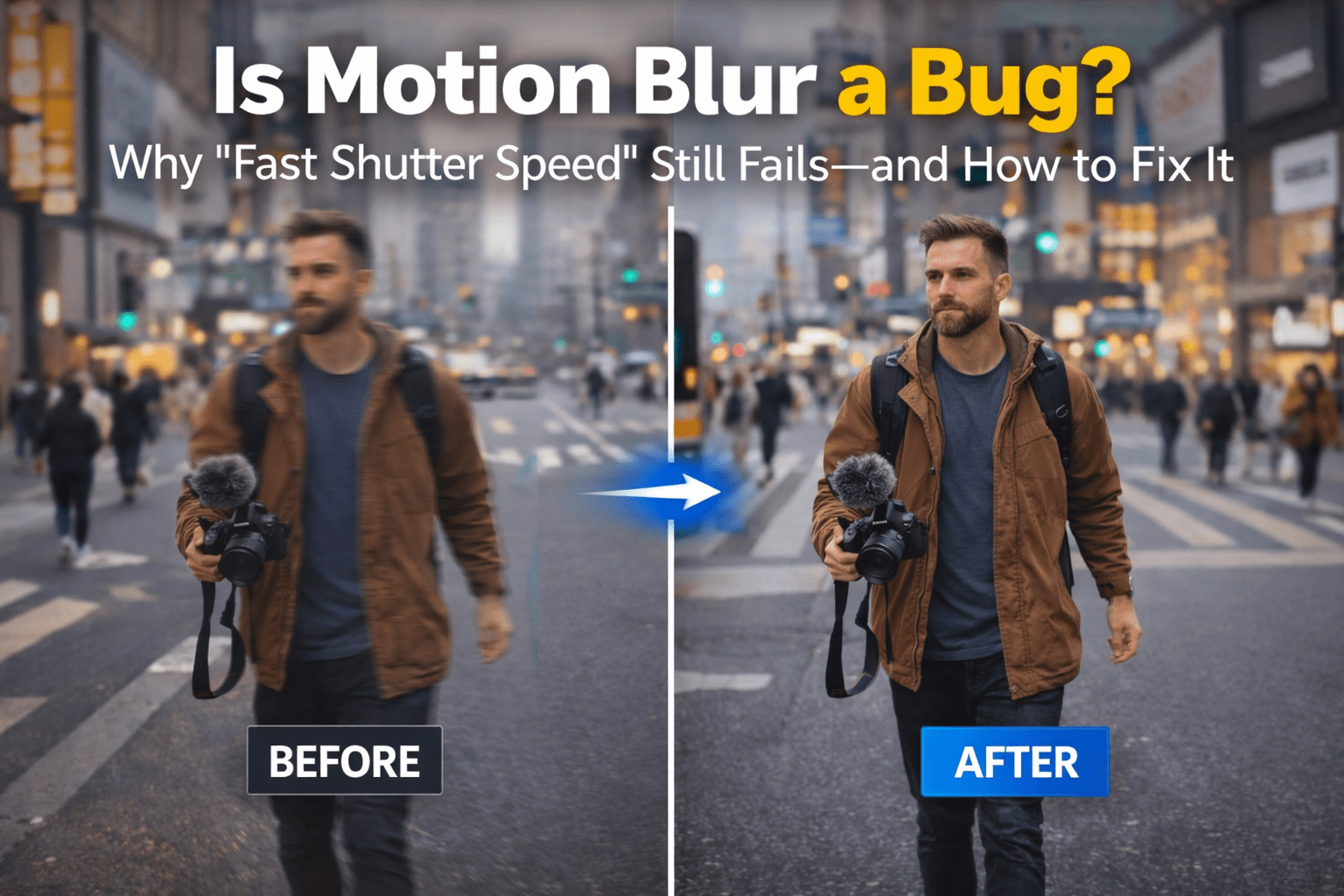
You know the feeling: you swear you used a fast shutter speed… and the photo still comes out like a blurry motion mess. Your kid’s face looks like it’s teleporting. Your “sharp” street shot looks like a ghost walked through it. And your brain goes: Is motion blur a bug?
Good news: your camera isn’t haunted. Bad news: the physics are doing exactly what they always do.
This guide explains motion blur in normal human language, shows why “fast shutter speed” still sometimes fails, and gives practical fixes for both motion blur photography and video. We’ll also cover when the motion blur effect is actually beautiful (yes, sometimes blur is the point), plus what you can realistically do if you want to remove motion blur after the fact.
What Is Motion Blur and Why It Happens
What is motion blur? It’s the visible streaking or smearing that happens when the scene changes during a single exposure—because the camera is recording light over time, not capturing a single instant. If a subject (or the camera) moves while the shutter is open, you get blur in the direction of that movement.
Motion blur vs focus blur vs camera shake
These three get confused constantly, so let’s separate them:
- Motion blur: something moved during exposure (your subject moved, or you moved the camera). The blur has a direction—like a smear.
- Focus blur: the camera focused in the wrong place (or depth of field was too shallow). It often looks “soft” rather than streaky.
- Camera shake: technically still a kind of motion blur, but caused by your hands (or a shaky tripod). It can blur the whole frame, especially at longer focal lengths.
If you’re trying to fix “blurry motion,” your first job is to identify which one you’re dealing with. Otherwise you’ll keep turning the wrong knob.
The physics in one sentence
During exposure, the sensor collects light continuously. If the image of your subject lands on different pixels as time passes (because of movement), the camera records multiple positions of that subject—so edges smear into motion blur.
Why “fast” can still look like blurry motion
Because “fast” is relative.
A shutter speed that freezes a walking person might fail on:
- a toddler sprinting toward you,
- a basketball player mid-jump,
- a bird flapping wings,
- a phone zoomed way in (where tiny hand shake becomes huge).
Also, not everything that looks like motion blur is motion blur. Rolling shutter wobble, stabilization artifacts, and compression smearing can imitate it.
Why Fast Shutter Doesn’t Always Stop Blurry Motion
This is the section for the “I did everything right” crowd.
Subject speed beats shutter speed
A fast shutter speed is not a magic shield. It’s just exposure time. If your subject crosses a lot of the frame during that time, you’ll still see motion blur. That’s why a “fast” shutter for portraits may be “slow” for sports. (And yes, this is why photographers talk about freezing motion as a moving target.)
A simple mental trick:
The faster the subject moves across your sensor, the faster your shutter needs to be.
That “across your sensor” part matters—because…
Telephoto & handheld shake makes motion blur worse
Zoom in and motion blur gets easier to create (even if nothing “big” is moving). At longer focal lengths, small hand movements translate into larger shifts in the frame. That’s why camera shake becomes a bigger problem when you’re zoomed in.
So you can shoot at a fast shutter speed and still get blur if:
- you’re at long focal length,
- you’re holding the camera poorly,
- your stabilization can’t keep up,
- or your subject is moving unpredictably.
Rolling shutter and other non-motion blur artifacts
Rolling shutter doesn’t “blur” in the same way. It scans the image over time (line by line), so fast movement can bend vertical lines or make motion look weird—sometimes mistaken for motion blur. Even global-shutter cameras can show motion blur (because motion blur depends on exposure time), but rolling shutter adds its own distortion.
If your object looks bent rather than smeared, you may be fighting rolling shutter more than classic motion blur.
Phone camera quirks (computational auto, multi-frame merging)
Phones are great… until they’re confusing.
In low light, phones often use multi-frame tricks (stacking, HDR, “night mode” style processing). If your subject moves between frames, you can get odd blur, double edges, or “ghosting” that doesn’t behave like a normal camera’s motion blur. Phones may also aggressively sharpen and denoise, which can make blur look stranger (or make a slightly blurry photo look “crispy but wrong”).
So even if your phone reports a certain shutter speed, the final look may be shaped by heavy processing.
Motion Blur Photography: How to Reduce Blurry Motion in Real Shoots
This is the part people actually want: what to do in the moment.
H3: Kids & pets indoor (low light survival)
Indoor blur is the perfect storm: low light + fast movement + unpredictable direction.
The practical playbook:
- Prioritize shutter speed over everything else.
- If you must choose, accept higher ISO (some noise is fixable; heavy motion blur often isn’t).
- Add light when possible (window, lamp, bounce, or flash if appropriate). Faster shutter needs more light—there’s no cheat code.
If faces are the priority, don’t aim for “artsy blur.” Aim for a shutter speed that freezes facial features, even if it means grain.
Night street & handheld motion blur control
Night street photos are where motion blur becomes a style question.
If you want sharp handheld shots:
- stabilize your stance (elbows in, slow breath),
- shoot bursts (one frame is often sharper),
- avoid long zoom,
- lean on stabilization—but don’t expect miracles.
If you want a controlled motion look (light trails, flowing crowds), embrace the blur:
- tripod or stable surface,
- slower shutter,
- consider neutral density if you’re doing slow shutter in brighter scenes.
Action & sports outdoors
Sports has two good looks:
- Freeze everything (crisp action).
- Freeze the subject but show speed (background streaks via panning).
If your shots look like blurry motion in daylight, you’re often underestimating subject speed—especially with fast limbs (hands, feet, balls). Raise shutter speed, track the subject, and watch your autofocus behavior.
Intentional panning for motion blur photography
Panning is the “motion blur photography” flex: the subject stays sharp while the background turns into speed lines.
The key idea (simple, but hard to execute):
Match the camera’s motion to the subject’s motion during exposure, so relative motion is minimized for the subject and maximized for the background.
If your subject is blurry during panning, it usually means:
- your shutter is too slow for your panning skill,
- your panning motion isn’t smooth,
- or focus/AF tracking missed.
Start “less ambitious” (slightly faster shutter), then slow down as your technique improves.
Motion Blur in Video: Shutter Angle, FPS & Cleaner Motion
Video makes people think motion blur is mysterious. It isn’t—there’s just one extra concept: frame rate.
Shutter angle explained simply
In video/cinema, motion blur is often controlled by shutter angle, which is just a way of describing how long each frame is exposed relative to the frame interval.
The famous guideline is the 180-degree shutter rule: set shutter speed to roughly double your frame rate for natural-looking motion blur (for example, 24fps → about 1/48s).
This isn’t a law. It’s a default aesthetic.
24/30/60fps settings to reduce blur
If your goal is less motion blur in video (sports, analysis, clean frames for editing), you typically use:
- faster shutter (smaller shutter angle).
But there’s a tradeoff: less blur can look more “staccato” or jittery, especially at 24fps. So the “fix” depends on your goal:
- Want crisp frames for VFX/tracking? Go faster shutter.
- Want cinematic movement? Stay near 180° or adjust carefully.
Shooting for editing (tracking, stabilization, slow-mo)
If you plan to:
- stabilize footage,
- track objects,
- do frame-by-frame edits,
- or upscale later,
then motion blur can become your enemy. Blur makes tracking harder and creates mushy edges that AI upscalers can misinterpret. In those workflows, it’s often smarter to shoot cleaner (faster shutter), then add a controlled motion blur effect later if you want it.
Motion Blur Effect: When Blur Looks Better on Purpose
Here’s the plot twist: motion blur isn’t always “bad quality.” Sometimes it’s the exact thing that makes footage feel real.
When motion blur helps

Motion blur can:
- make fast movement look smoother,
- sell speed in photos (especially with panning),
- reduce “robotic crispness” in certain video styles.
Even in animation and CG, motion blur is often simulated because perfectly sharp frames can look unnatural during fast movement.
When you should avoid it
Motion blur hurts anything that depends on micro-detail:
- faces (eyes and expressions),
- text (signs, screens),
- product shots (logos, edges, materials),
- documentation or tutorials.
If the viewer needs to read or inspect, blur usually fails the mission.
Motion blur in games: is motion blur good or bad?
In gaming, motion blur in games is a hot argument because it’s tied to comfort and clarity. Many players turn it off immediately because it can reduce readability or cause discomfort, while others like subtle blur because it feels more cinematic and can make motion feel smoother. That’s why the best implementations offer a slider or per-object blur rather than a heavy full-screen smear. (In short: is motion blur good or bad? Depends on the person, the game, and how it’s implemented.)
Can You Remove Motion Blur After the Fact?
This is where we need to be honest: if you’re hoping for a “make it perfectly sharp” button… that’s usually not realistic.
What deblur can and can’t recover
Motion blur is not just “softness.” It’s lost positional information during exposure. Some restoration methods exist (often described as deconvolution), but results vary wildly depending on blur amount, noise, and detail. In practical editing, you can often improve a blurry motion image—but not truly recreate the original sharp detail.
A good rule:
If eyes/letters are smeared into long streaks, you’re in “salvage” territory, not “restore.”
Deblur artifacts people hate (halo, plastic, shimmer)
When deblur goes wrong, it tends to fail in predictable ways:
- bright halos on edges,
- “plastic skin” textures,
- crunchy over-sharpening,
- flickering edges in video (temporal shimmer).
These are often worse than the original blur because they scream “edited.”
A clean “enhance” workflow (denoise → sharpen → upscale)
If you want the best odds of a natural-looking improvement, think like this:
- Denoise first (clean the signal)
- Sharpen carefully (recover edges, don’t invent glitter)
- Upscale last (so the final output looks crisp at viewing size)
This workflow won’t magically undo heavy motion blur, but it can make lightly blurred photos and videos look more usable—especially for social, small screens, and casual sharing.
Where GStory fits
If your goal is a clean, beginner-friendly way to improve blurry motion results (without turning people into crunchy wax figures), you can run this workflow with tools like the GStory Video Enhancer and GStory Photo Enhancer, which are designed for quick online enhancement.
Start with a conservative pass: reduce noise, bring back edge clarity, and avoid extreme sharpening.
If the video is shaky and low light, improve clarity first, then upscale to a higher resolution only if the preview still looks natural.
And if you’re not sure which tool fits your situation, the GStory video & photo tools hub is a quick way to choose the right workflow without guessing.
FAQ
What is motion blur in simple words?
Motion blur is the streaky blur you see when something moves (or the camera moves) while the shutter is open, so the camera records movement over time instead of one frozen instant.
Why does motion blur still show at fast shutter speeds?
Because “fast” might not be fast enough for the subject’s speed, your focal length might amplify shake, and some “blur-looking” problems come from rolling shutter or phone processing—not classic motion blur.
How do I reduce motion blur on my phone?
Use more light, avoid heavy zoom, stabilize your grip, and watch out for night/HDR modes that merge multiple frames. If there’s a pro/manual mode, prioritize shutter speed when you’re photographing motion.
Can AI really remove motion blur from a photo or video?
AI can often make mild blur look better, but strong motion blur usually can’t be fully undone because detail was never captured cleanly during exposure.
Is motion blur good or bad for cinematic motion?
Neither. Motion blur is a tool. Around a “natural” shutter (like the 180-degree shutter rule) motion often looks smooth; with very fast shutter it can look choppy; and with very slow shutter it can look dreamy or messy. Use the amount of blur that matches your intent.
Leave a Reply