Last Updated on March 19, 2026 by Leslie
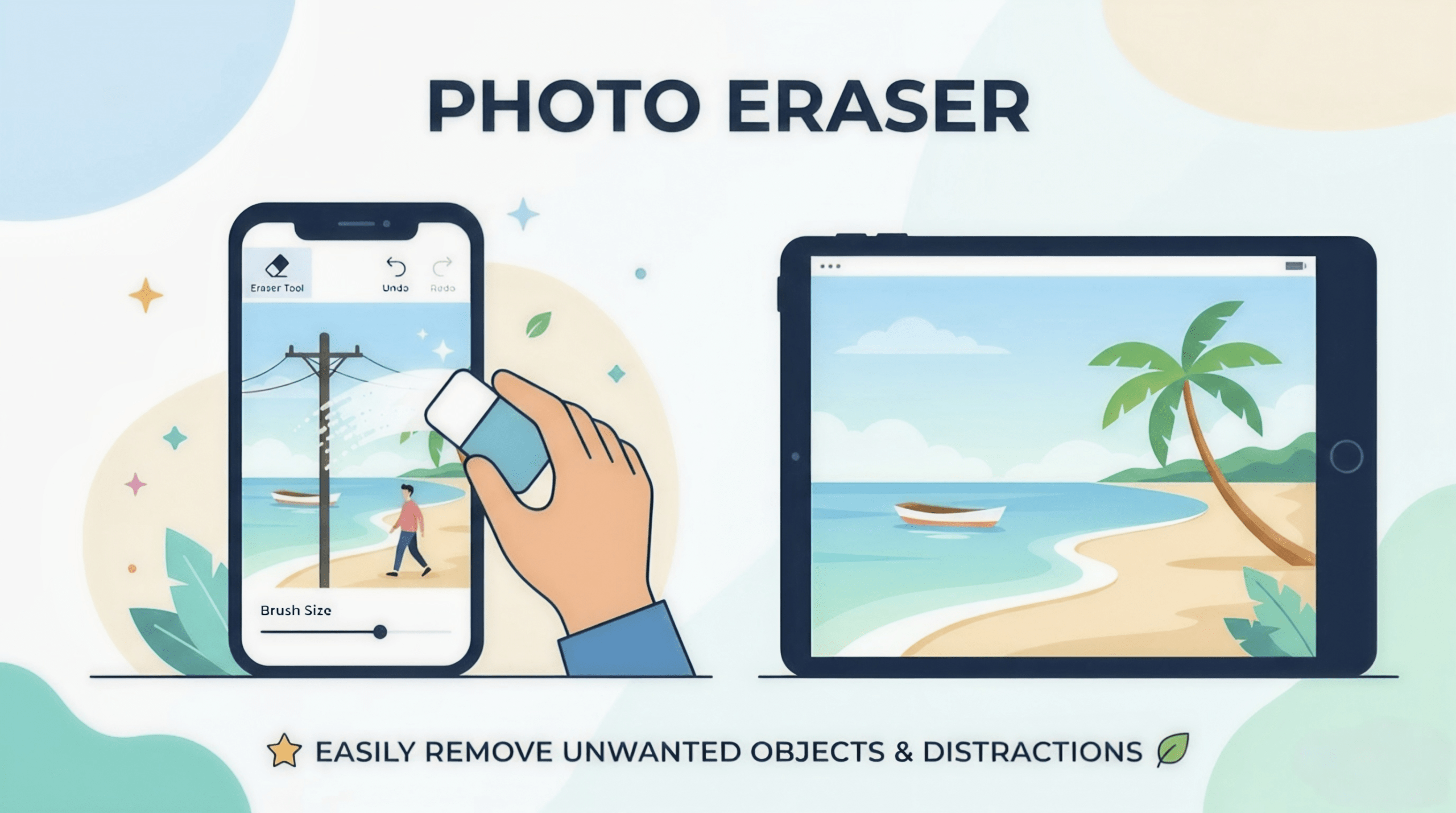
A random stranger in the background. A wire cutting through the sky. A date stamp or logo sitting on an otherwise perfect shot. These are exactly the kinds of distractions that make people search for the best photo eraser or AI photo eraser online.
In 2026, you do not need advanced Photoshop skills to fix these problems. A good photo eraser app can now help you remove unwanted objects from photos, clean up text, or erase simple watermarks in just a few steps. The real challenge is choosing the right kind of tool.
For most users, the choice comes down to two options: a free photo eraser you can use online, or a built-in eraser already available on your phone.
Quick Answer: Which Photo Eraser Should You Use?
If you want a simple answer, start here:
- Best free online photo eraser: GStory
- Best built-in eraser on Samsung phones: Samsung Object Eraser
- Best built-in eraser on iPhone: Apple Clean Up
- Most familiar option for many Android users: Google Magic Eraser
If you mainly want to remove text from photo, clean up logos, or do fast browser-based edits, GStory is the easiest starting point. GStory positions itself as an AI-powered online editing platform, offers a photo watermark remover, supports JPG, PNG, JPEG, and WEBP, and says new users get free credits to try the tool.
What Is a Photo Eraser?
A photo eraser is a tool that removes part of an image and fills the empty area so the photo still looks natural. Instead of cropping the whole frame, it tries to rebuild the background behind the removed object.
That makes it useful when you want to:
- remove people from photos
- erase wires, poles, and clutter
- remove text from photo
- remove watermark from photo
- clean up product images before posting or selling
This is different from a background remover. A background remover cuts the subject out. A photo eraser keeps the scene and only removes the distraction.
Free Photo Eraser Tools
GStory
If your main goal is fast cleanup in a browser, GStory is the strongest fit for this article because it directly matches several high-intent searches such as erase objects from photo online, remove text from photo.
GStory’s website presents it as an all-in-one AI tool with background removal, watermark removal, and photo enhancement features. Its photo watermark remover is built for removing watermarks, logos, and text from images, and the tool supports common file types including PNG, JPG, JPEG, and WEBP. GStory also states that new users receive free credits, making it practical for users looking for a free photo eraser before paying for anything.
Why it works well in this lineup:
- good fit for remove text from photo
- useful for remove watermark from photo
- web-based, so there is nothing to install
- easy for beginners who just want quick results
Best for:
Users who want an online object remover from photo without opening a full design app.
Cleanup.pictures
Cleanup.pictures is still worth mentioning because it remains one of the cleaner browser-based tools for general object removal. Its official site states that the free version exports at 720p, while paid plans unlock higher-resolution processing.
Best for:
Users who want a lightweight tool for casual cleanup and do not mind export limits.
Built-In Photo Erasers on Phones
Samsung Object Eraser
Samsung’s Gallery app includes Object Eraser, and Samsung’s support documentation shows that it can remove unwanted items, shadows, and reflections from pictures. Samsung also offers AI erase and suggestion-based removal inside newer Galaxy editing workflows.
Why people like it:
- built right into the Gallery app
- convenient for remove people from photos
- useful for cables, reflections, and everyday distractions
Best for:
Samsung users who want the fastest way to clean up a photo without using a web tool.
Apple Clean Up
Apple’s Clean Up feature in Photos is part of Apple Intelligence. Apple says it can help remove distracting objects in a photo, but it requires supported hardware such as iPhone 16 models or iPhone 15 Pro / Pro Max, along with iOS 18.1 or later. Apple also notes regional limitations, including restrictions connected to devices purchased in or used within mainland China.
Why it matters:
- built into the Photos workflow
- useful for quick cleanup on supported iPhones
- convenient for casual users who want native editing
Best for:
iPhone users who want a built-in way to erase small distractions.
Google Magic Eraser
Google still positions Magic Eraser as a tool for removing unwanted objects in a few taps, with both manual brushing and suggested removals. Google’s current Photos editing pages also show broader availability across Android and iOS devices, though feature availability can vary by device.
Best for:
Users already editing inside Google Photos who want a familiar option before trying a separate tool.
Which Tool Is Best for Different Search Intent?
Here is the easiest way to match the tool to the problem:
- Search best photo eraser tools or free photo eraser → start with GStory
- Search remove watermark from photo or remove text from photo → GStory
- Search remove people from photos on Samsung → Samsung Object Eraser
- Search photo eraser app for iPhone → Apple Clean Up
- Search Google Magic Eraser alternative → try GStory or Samsung Object Eraser, depending on device
Tips to Get Better Results
No matter which tool you use, results improve when you follow a few simple rules.
First, zoom in before you brush. A more accurate selection usually produces a cleaner fill.
Second, remove shadows together with the object. If you erase a person but leave the shadow, the edit often looks fake.
Third, use multiple passes for harder edits. This is especially helpful when you want to remove people from photos in crowded scenes or erase text from a complicated background.
Fourth, be realistic. AI tools work best for small to medium distractions. If you are trying to erase a huge car, building, or heavily overlapping subject, the result may still need manual retouching.
Final Verdict
If you want the simplest recommendation, use GStory as your first stop for online edits. It is the best fit here for users searching free photo eraser, AI photo eraser, remove text from photo, and remove watermark from photo, especially if they want a browser-based tool with a quick learning curve.
If you prefer built-in tools, Samsung currently offers one of the most practical native options through Object Eraser, while Apple Clean Up is a solid choice for supported iPhones, and Google Magic Eraser remains a recognizable option for Google Photos users.
For most readers, the smartest workflow is simple: start with GStory for web-based cleanup, then use your phone’s built-in eraser when speed matters more than advanced control.
Leave a Reply