Last Updated on December 31, 2025 by Xu Yue
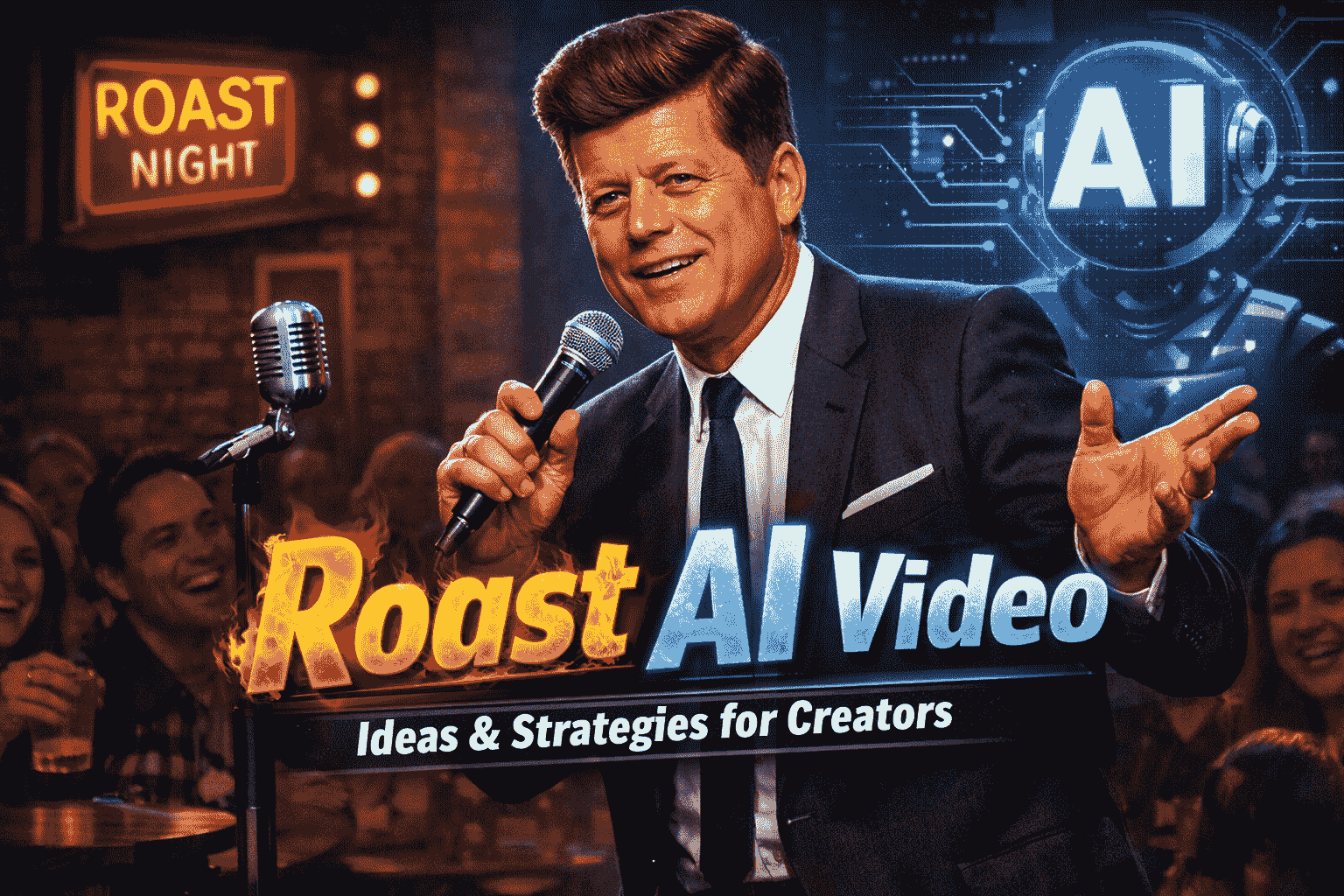
If your feed feels like it’s 80% the same “AI girlfriend storytime” and 20% “AI podcast clip with subtitles,” here’s a fresher lane: the Roast AI Video.
A roast (the classic American-style kind) is basically insult comedy with consent: one “guest of honor” gets joked about, but the vibe is still respectful—there’s real praise underneath the punches.
Now creators are remixing that format into AI roast videos: short punchy clips, “roast me” comments turned into bits, fictional-character roasts, even “AI stand-up” style experiments. The concept is familiar, but the production workflow is brand new—and that’s why it still feels like a creative “blue ocean” compared with the most crowded AI video formats.
What Is Roast AI Video & Why It Matters in 2026
What a Roast AI Video Is
A roast AI video is any video where the roast format is the hook, and AI generates at least one key piece of the output—usually the roast script, a roast AI voice, or the character performance.
At its simplest, it’s:
- a roast line + an AI voiceover + visuals (stock, memes, B-roll, or AI video)
- cut fast, captioned, and posted as a short
At its most ambitious, it looks like a mini “special”: recurring characters, scene changes, crowd-reaction cutaways, and an actual narrative arc.
It still follows the classic roast idea—jokes at someone’s expense, but with a “good sport” assumption and often a hint of praise underneath.
Why Roast AI Videos Feel Like a Blue-Ocean Format
Traditional roast content typically depends on a live setting: a real audience, a real performer, and usually a real person being roasted.
Roast AI videos shift the engine:
- jokes can be generated via an AI roast generator / roast generator
- the voice can be synthesized (your own, a character voice, or a clearly fictional style)
- the visuals can be assembled quickly (templates, edits, or text-to-video segments)
That doesn’t remove creativity—it moves it upstream into concept, prompting, editing rhythm, and platform packaging.
Creators are leaning into roast AI video because it matches what algorithms reward:
- Instant premise (“Roast me / Roast my channel / Roast my outfit”)
- High retention (jokes naturally create “one more line” momentum)
- Shareability (people tag friends: “this is you”)
How Roast AI Videos Work
Think of a roast AI video as a pipeline with three parts:
(1) joke generation → (2) voice performance → (3) video packaging.
What an AI Roast Generator Actually Does
Most “roast generator” tools are basically structured joke writers:
- you give a target (you / a persona / a fictional character), plus traits or context
- it returns roast lines, often in different “spice levels”
- you pick, rewrite, and assemble into a script
Tool pages like ParrotAI and Revid position their AI roast generator workflows around fast prompt-in → roast-out generation.
The important creator mindset shift:
Don’t publish the first output. Direct it.
Treat the generator like a writer’s room intern. You’re still the showrunner.
Prompt Engineering for Better Roast AI Voice & Scripts
Here’s what actually improves outputs (and keeps you out of “generic AI mush”):
- Give a comedic POV: “roast like a disappointed older cousin,” “roast like a calm therapist who’s secretly savage”
- Add boundaries: “no slurs, no protected traits, no medical jokes, no body shaming”
- Add structure: “3 short jabs + 1 twist compliment + 1 closer”
- Use specificity: replace “you’re lazy” with a concrete image (“your to-do list has cobwebs”)
For roast AI voice, the trick is consistency:
- lock a “voice bible” (pace, energy, catchphrases, filler words)
- keep sentence length stable (AI voices often drift when you swing from 6 words to 40 words)
- write for speaking, not reading: contractions, fragments, controlled chaos
Text-to-Video AI Workflow Explained
If you’re using text-to-video tools, one reality matters:
Many generators output short clips that you stitch—so identity consistency can drift between segments (face, voice, wardrobe, lighting). That’s not “your fault”; it’s a known friction point creators run into when building longer sequences from many small generations. Coverage around Sora-style viral clips frequently describes short-form generation and how easily it can be used to create lifelike bits.
So your job becomes: make it feel intentional through editing, sound design, and captions.
How to Make AI Roast Videos
If you want the practical “how to make ai roast videos” loop that scales, use this:
Choosing the Right Tools — Roast Generator & Video Tools
You generally need:
- AI roast generator (jokes)
- Voice tool (your voice, a character voice, or a clean narrated style)
- Video editor (simple is fine)
- Packaging tools (subtitles, clip cutting, enhancement)
Kapwing’s roast-me workflow (prompt → voiceover → visuals → edit) is a good example of how creators build this format without needing a full studio setup.
Writing Viral Roast Prompts & Scripts
A short-form roast script that performs usually follows this pattern:
Hook (0–1s):
“Alright. You said ‘roast me.’ I’m about to respect that request… violently.”
Setup (1–3s):
Define the target specifically (style, habit, niche, content type).
Punches (3–10s):
2–4 tight lines, each with a clear image.
Twist (last 1–2s):
A surprise compliment or “but honestly…” moment.
Pro tip for comments-based roasts:
- quote the comment (on-screen)
- respond like it’s a courtroom cross-examination
That structure feels interactive and boosts watch time.
Editing Tips for Cohesion & Engagement
This is how you turn “AI fragments” into something that feels crafted:
- Audio first: level the voice, remove harsh peaks, add subtle room tone
- Hard cut on punchlines: don’t “fade” a joke
- Caption like a comedian: emphasize the hit words, not every word
- One visual idea per line: if the joke changes subject, change the shot
- Callback glue: reuse the same reaction shot / sting sound to make it feel like a “show”
If your AI video segments don’t match perfectly, lean into a style:
- “different camera angles”
- “different stage lighting”
- “cutaway gags”
Now inconsistency becomes a feature.
Monetization & Growth — Can AI Roast Videos Make Money?
Yes—AI videos can make money, but platforms care about originality and “human value,” not just automation.
Platforms Where You Can Monetize AI Videos
- YouTube (long-form + Shorts)
YouTube’s monetization policies emphasize that reused/repurposed content needs a meaningful difference viewers can recognize. - TikTok
TikTok’s Creator Rewards Program eligibility includes requirements like follower/view thresholds and posting original content (and qualifying videos being at least one minute, per their program rules).
TikTok also has guidance requiring creators to label AI-generated content that contains realistic images/audio/video.
(And beyond platform payouts: brand deals, affiliates, selling digital products, services—more on that next.)
Revenue Streams — Ads, Sponsorships, Affiliate & Paid Content
Roast AI videos can monetize like any entertainment niche:
- Ads (YouTube Partner Program, eligible Shorts revenue)
- Sponsorships (tools, editing apps, creator gear)
- Affiliate marketing (link the tools you actually use)
- Paid content (TikTok Series / premium packs, depending on eligibility)
- Services (writing roast scripts for other creators, subtitle/caption packages)
The big advantage of roast content: it naturally builds audience loyalty because people return for the voice/persona.
Strategy to Avoid Being Flagged as Low-Effort Content
This is the creator trap:
- generate → post → repeat
…and platforms categorize it as “thin.”
Instead, add meaningful human input:
- rewrite the best 30% of AI lines yourself
- add original commentary (“here’s why this is funny”)
- add editing motifs (signature captions, recurring characters, running gags)
- show process occasionally (“prompt → rewrite → final cut”)
That aligns with YouTube’s “meaningful difference” framing for monetization eligibility.
Creative Roast AI Video Strategies for More Views
This section is where you out-create the competition—because most existing “ai roast generator” pages stop at “type text → get roast.”
Viral Hooks, Trending Formats & Storytelling
Add storytelling to escape “one-joke shorts”:
- Part 1: “AI roast judge”
- Part 2: “appeal court”
- Part 3: “redemption arc”
Creators also experiment with stand-up style AI clips—sometimes featuring public figures. That’s attention-grabbing, but it’s also the zone with the highest risk (we’ll cover how to do this responsibly). Recent coverage of Sora-style deepfakes shows how quickly these portrayals can spread and trigger backlash.
Niche Ideas & Audience-Specific Concepts
Here’s the creative leap: instead of roasting yourself, creators are building a character—even a historical one—and letting that persona deliver the roast.
If you want views and a safer runway, niche down with targets that are:
- fictional
- consensual
- clearly satirical
Ideas that work well:
- Creator niches: “roast my thumbnails,” “roast my hooks,” “roast my caption game”
- Jobs: “roast me like a restaurant manager,” “roast me like a tech recruiter”
- Hobbies: gym bros, booktok, indie game dev, soccer parents
- Formats: “roast battle” between two fictional personas
Bonus: build a “universe.” When you have recurring characters, your audience starts bingeing.
Balancing Humor, Ethics & Viral Appeal
A roast should feel like:
“I’m laughing with you… while aiming directly at you.”
Ethics isn’t just “be nice.” It’s also strategy:
- slur-y shock humor gets clipped, demonetized, or shadowed
- creator-friendly roast humor travels farther
The safest “viral + brand-safe” roast rules:
- roast choices, habits, content, aesthetics
- avoid protected traits and sensitive personal attributes
- punch up, not down
- end with a twist compliment (people share roasts that still feel human)
Challenges, Risks & Future of Roast AI Videos
This is the part most competitors barely touch—and it’s where your blog can outrank tool-only pages.
Consistency, Voice & Character Identity Issues
If you’re building longer roast AI videos, you’ll run into:
- Face drift across stitched clips
- Voice drift (tone changes, pacing changes, accent wobble)
- Continuity problems (wardrobe, lighting, background)
The fix isn’t one magic setting. It’s a workflow:
- fewer, longer takes where possible
- consistent “character bible” in every prompt
- tight editing patterns that mask drift
- captions that anchor identity (audience forgives visuals if the voice persona is stable)
Platform Policies & Ethical Considerations
Two big realities in 2026:
- AI labeling is becoming normal
TikTok explicitly requires labeling certain realistic AI-generated content. - Using real people—especially deceased celebrities—is a legal/ethical minefield
There’s ongoing controversy around AI video tools being used to depict deceased public figures without consent, and platforms/tools have reacted by adjusting restrictions and opt-out controls.
If you’re even thinking about deceased celebrities:
- get legal advice for commercial use
- avoid defamatory or degrading portrayals
- consider postmortem publicity rights (they vary by jurisdiction)
- remember: expressive works have some protections, but it’s complicated and fact-specific
Practical safer alternative:
Use fictional characters or an original persona that feels like a comedian archetype, without copying a real person.
Boost Your Roast AI Videos with GStory Tools
This is where you make your roast AI videos feel watchable (not “AI rough draft”), and where you can scale production without losing quality.
GStory Video Enhancer & Quality Boosting Tools
Roast formats live or die on clarity—if the face is mushy or the lighting is noisy, jokes feel cheaper.
Use GStory Video Enhancer to upscale and improve clarity/brightness/sharpness in-browser (with support for common formats and practical creator limits like file size/time).
This is especially useful when:
- your AI-generated clips look slightly soft
- stitched segments have inconsistent sharpness
- you’re repurposing older footage or compressed downloads
Auto-Subtitle, Clip Maker with GStory
Roast content needs captions. Not “optional.” Needs. Captions.
- GStory Auto Subtitle Generator helps you generate subtitles quickly for accessibility and retention.
- GStory AI Clip Maker is built for converting longer videos into short, viral-friendly clips (especially useful if you’re experimenting with longer “AI stand-up” formats and want to cut highlights).
If you’re doing multilingual roast formats (which can be a serious growth lever), GStory also lists a Video Translator tool in its toolkit lineup.
Leave a Reply