Last Updated on January 15, 2026 by Leslie
After testing three popular script to video AI platforms, I’m ready to share what the marketing pages won’t tell you about how to create video from script using these tools.
If you want to create AI video from script, you’ve probably noticed every platform claims to be the best ai script to video generator. One Reddit user complained: “Since it works in credits and min limits I will never use it.” The reality? InVideo, CapCut, and Synthesia handle script to video very differently, and choosing wrong could cost you hundreds.
This guide helps you create video from script with transparent comparisons, actual costs, and honest verdicts.
TL;DR – Quick Script to Video AI Comparison
| Feature | InVideo AI | CapCut | Synthesia |
| Starting Price | $25/mo | Free | $29/mo |
| Script to Video AI | Full automation | Limited | Avatar-focused |
| Free Tier | Limited exports | Unlimited (watermark) | 3 videos trial |
| AI Script to Video Generator | Yes (VEO 3.1/Sora) | Partial | Avatar scripts |
| Best For | Full workflow | Budget creators | Corporate training |
30-Second Verdict
Choose CapCut if: You want script to video free options and don’t mind watermarks. Best for budget creators who want to create video from script without cost.
Choose InVideo if: You need a complete ai script to video generator with automation. Worth the $170/month AI tier for serious creators.
Choose Synthesia if: You need professional avatars to create AI video from script for corporate training or multilingual content.
What Each Script to Video AI Tool Actually Does
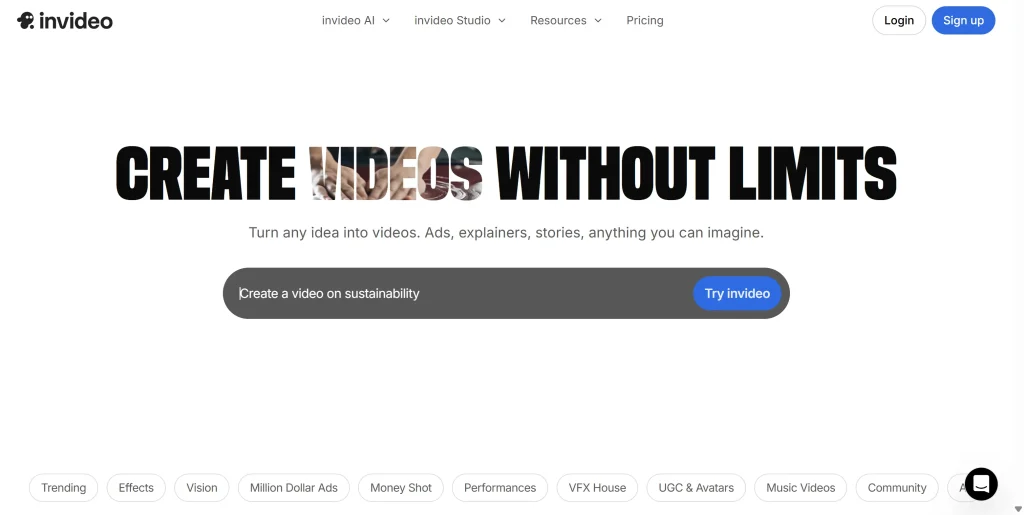
InVideo AI – Full Script to Video Automation
InVideo positions itself as an end-to-end ai script to video generator. Input your script, and the script to video AI generates complete videos with visuals, voiceover, and music.
What this ai video maker from script delivers:
- Full automation to create video from script
- Integration with VEO 3.1 and Sora models
- Stock footage library for script to video projects
- Built-in voice synthesis
The catch: The $25/month tier doesn’t include actual ai script to video generation. For real script to video AI features, you need the $170/month AI tier with only 60 seconds of generative content. As one user noted: “$120/month is insane for such limited script to video output.”
CapCut – Script to Video Free Alternative
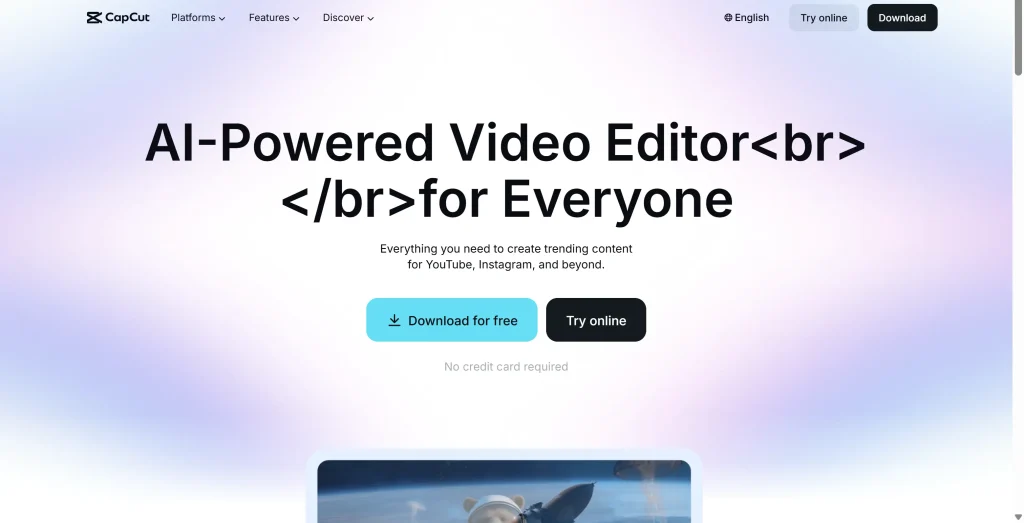
CapCut offers script to video free editing rather than pure AI generation. It’s an ai video creator from script that works best for enhancing existing footage.
What this script to video tool delivers:
- Free video editing with script to video features
- AI-powered subtitle generation
- Templates optimized for short-form content
- Script to video ai free basic features
The catch: CapCut’s Terms of Service grant ByteDance broad content rights. For script to video free usage on personal projects, this may not matter. For commercial script to video work, review carefully.
Synthesia – AI Avatar Script to Video Generator
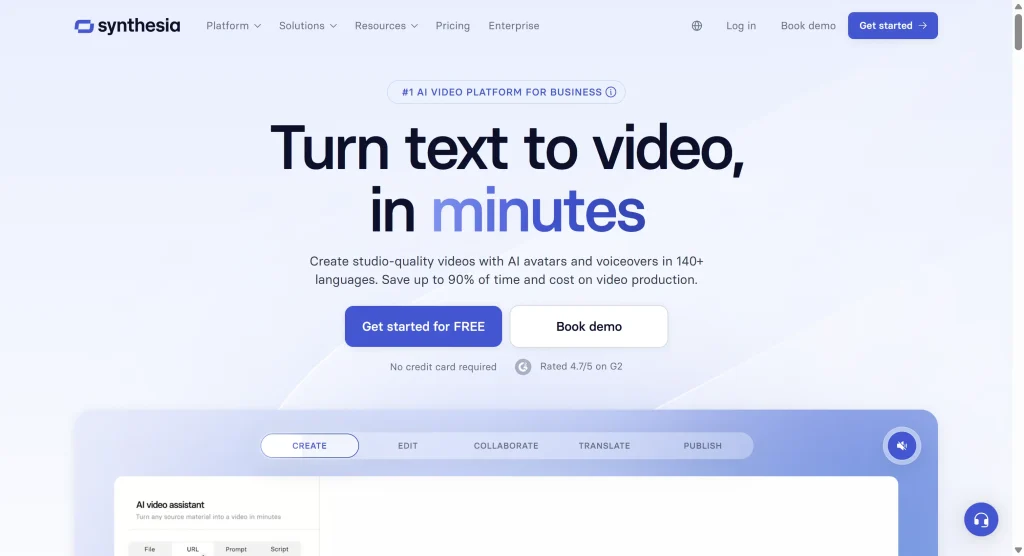
Synthesia focuses exclusively on avatar-based script to video AI. Digital humans lip-sync to your script.
What this ai script to video generator delivers:
- 230+ realistic AI avatars
- 140+ language support
- Professional script to video output
- Consistent character appearance
The catch: Synthesia only does avatar script to video. No cinematic B-roll or stock footage compilations. If you want variety beyond talking-head script to video AI, you’ll need additional tools.
Real Cost Breakdown for Script to Video AI
InVideo Script to Video Pricing
| Tier | Monthly Cost | Script to Video Features |
| Free | $0 | Limited script to video exports |
| Business | $25/month | Template-based, no AI script to video |
| AI | $170/month | 60 seconds ai script to video generation |
For volume script to video AI work, InVideo becomes expensive. You’re limited to roughly one AI-generated video monthly.
CapCut Script to Video Pricing
| Tier | Cost | Script to Video Features |
| Free | $0 | Unlimited script to video editing (watermarks) |
| Pro | $7.99/month | Full script to video free of watermarks |
CapCut offers the best value for budget script to video creators. The free ai script to video generator features are genuinely usable.
Synthesia Script to Video Pricing
| Tier | Cost | Minutes | Script to Video Capacity |
| Starter | $29/month | 10 min | 1-2 script to video projects |
| Creator | $89/month | 30 min | 4-5 script to video projects |
Synthesia’s script to video AI pricing adds up quickly for volume creators.
Best Use Cases for Script to Video AI
Short-Form Content Creators
Recommendation: CapCut’s script to video free tier
For TikTok and Shorts, CapCut’s script to video tools work perfectly. Quick editing, auto-captions, and script to video ai free features make it ideal.
Long-Form YouTube Content
Reality check: All script to video AI tools struggle here.
Current ai script to video generator technology maxes out at 5-10 minutes effectively. For longer content, use a hybrid approach: generate script to video AI segments for intros and B-roll, handle narrative sections traditionally.
Corporate Training
Recommendation: Synthesia
Professional avatars and script to video consistency make Synthesia ideal for training. Create video from script once, then localize globally.
Faceless Channels
Recommendation: InVideo or CapCut
Faceless channels rely on script to video automation. Both platforms help you create AI video from script effectively. However, as users warn: “YouTube is saturated with AI content.” Your video script generator output needs unique angles to succeed.
Hidden Gotchas with Script to Video AI
InVideo’s Credit Confusion
InVideo’s script to video AI pricing doesn’t clearly explain credit consumption. Users report confusion about what counts against limits. Before subscribing to any ai script to video generator, get specific answers about credit usage.
CapCut’s Content Rights
CapCut’s script to video free tier comes with Terms of Service granting ByteDance broad content licensing. Review before publishing commercial script to video work.
Synthesia’s Format Limitations
Synthesia excels at avatar script to video AI but nothing else. No cinematic variety or creative flexibility beyond talking-head script to video format.
Free Script to Video Alternatives
Not ready to commit to paid ai script to video generator tools? You can still create video from script using this free workflow:
- Script Writing: Claude AI or ChatGPT
- Visual Generation: Meta AI (free script to video clips)
- Voice: Gemini 3 Pro TTS
- Editing: CapCut (script to video ai free tier)
Total cost: $0-20/month for script to video free workflow.
Enhancing Script to Video Output
Regardless of which ai video maker from script you choose, output often needs polish. Tools like GStory.ai’s Video Enhancer upscale script to video output to 4K and reduce noise.
Adding Subtitles to Script to Video
Subtitles are essential for script to video reach. For creators needing accuracy beyond built-in script to video AI captions, GStory.ai’s Auto Subtitle Generator offers 95% accuracy with SRT/VTT export.
FAQs
Is CapCut’s script to video AI really free?
CapCut’s core script to video editing is genuinely free. Pro ($7.99/month) removes watermarks. The main consideration is ByteDance’s content licensing terms for script to video work.
Which script to video AI is best for beginners?
CapCut for script to video free access. Synthesia for quick avatar script to video results. InVideo has a steeper learning curve as an ai script to video generator.
Can I create video from script longer than 10 minutes?
Technically yes, but quality degrades. For 30+ minute content, use hybrid approaches: ai script to video generator for intros and transitions, traditional editing for longer narrative sections.
Conclusion
InVideo AI excels at script to video automation but costs $170/month for advertised ai script to video generator features. Best for creators prioritizing hands-off workflow.
CapCut offers unbeatable script to video free value. The free ai script to video generator tier is genuinely useful for budget creators who want to create video from script affordably.
Synthesia dominates avatar script to video AI with professional quality. Perfect for corporate script to video needs but limited to that single format.
Next steps: Start with CapCut’s script to video ai free tier for zero-risk testing. Try Synthesia’s trial for avatar script to video needs. Only invest in InVideo’s ai script to video generator if you’ve confirmed the credit system works for your volume.
Consider enhancement tools like GStory.ai to upscale your script to video output before publishing.
Leave a Reply