Last Updated on January 14, 2026 by gaojie
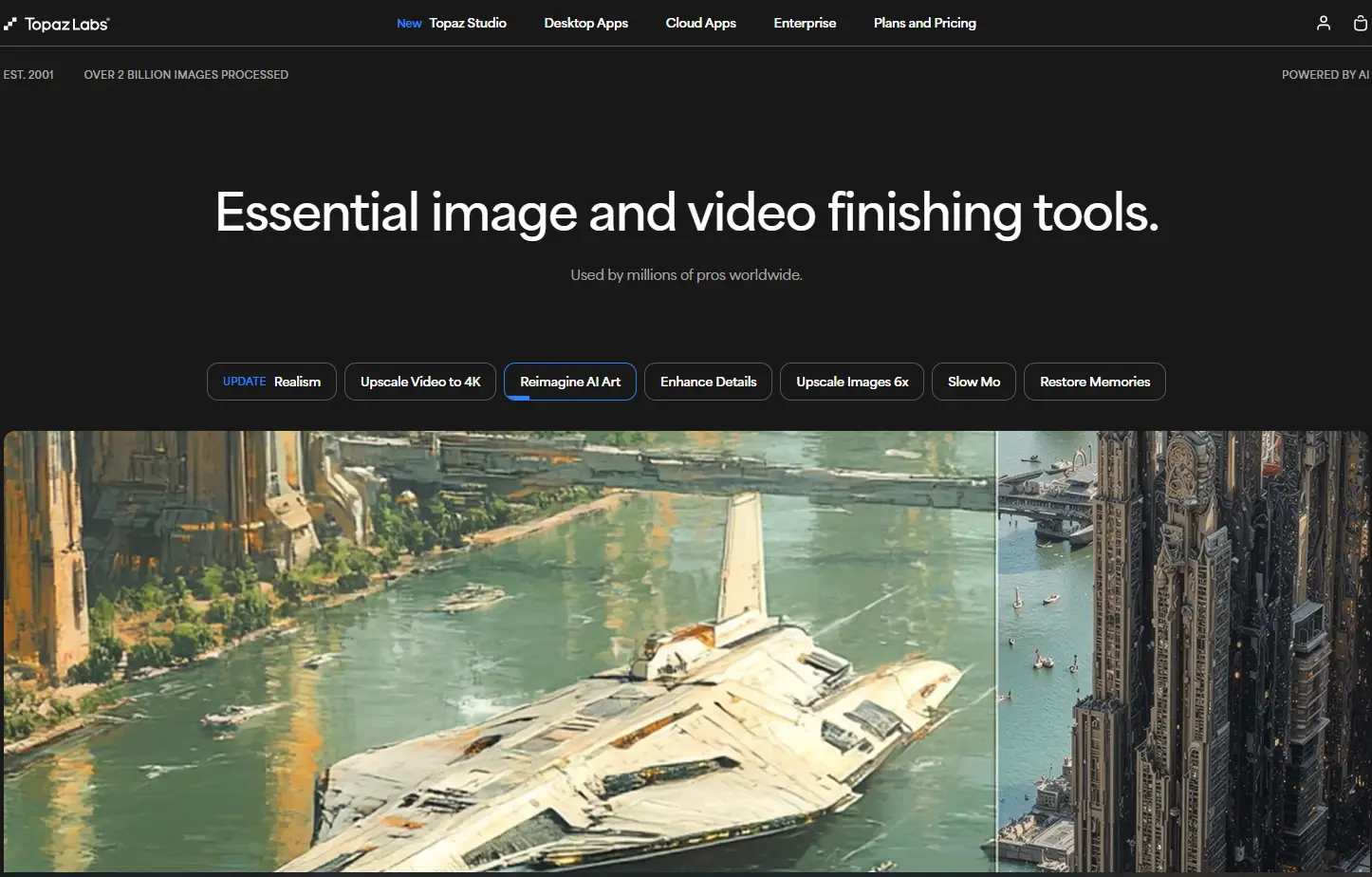
In September 2025, Topaz Labs made a controversial decision that sent thousands of users searching for Topaz Video AI alternatives. They killed perpetual licenses entirely and forced everyone onto a $400+/year subscription model.
If you loved Topaz Video AI’s quality but refuse to pay annual fees that add up quickly, you’re not alone. Many users are now stuck on legacy versions without updates or paying subscriptions that cost more than Adobe’s entire photography suite.
This guide compares 7 legitimate alternatives that offer lifetime licenses. We’ve tested each one against Topaz Video AI, compared output quality, calculated real costs, and identified which tool works best for different use cases.
Why Users Are Leaving Topaz Video AI in 2026
Before diving into alternatives, let’s understand why so many Topaz Video AI users are looking elsewhere. The frustration is real, and it goes beyond simple pricing complaints.
The September 2025 Subscription Switch
Topaz Labs discontinued perpetual licenses for new Topaz Video AI customers in September 2025. Here’s what the new pricing looks like:
| Plan | Monthly Cost | Annual Cost |
| Studio (No Commitment) | $69/month | $828/year |
| Studio (12-mo Commitment) | $37/month | $444/year |
| Studio (Annual Prepay) | ~$33/month | $399/year |
Compare this to the previous Topaz Video AI one-time purchase of approximately $299 for a perpetual license. Over three years, the new subscription costs at least $1,197 versus a single $299 payment.
What Reddit Users Say About Topaz Video AI
The sentiment ratio shows approximately 55% negative, 20% neutral, and only 25% positive reactions to the pricing change.
Is Topaz Video AI Still Worth It?
Let’s be fair. Topaz Video AI still produces excellent results. The Starlight model delivers impressive quality for difficult footage. Frame interpolation with Chronos remains industry-leading. For professional work where quality justifies cost, it may still make sense.
However, for most users processing occasional projects, the annual cost simply doesn’t add up.

Why Topaz Video AI Crack Is Not the Answer
When prices go up, some users consider pirated software. This section explains why that’s a bad idea and why legitimate Topaz Video AI alternatives are smarter.
Risks of Using Cracked Software
Downloading cracked Topaz Video AI exposes you to serious risks:
- Malware and trojans: Cracked software often contains hidden malware
- Legal consequences: Software piracy is illegal and can result in fines
- No updates or support: You won’t receive bug fixes or new AI models
- System instability: Modified software can cause crashes
Why Lifetime License Alternatives Beat Pirated Topaz Video AI
Legitimate alternatives with lifetime licenses offer:
- Guaranteed security: No hidden malware or trojans
- Regular updates: Usually 1 year of free updates included
- Customer support: Help when something goes wrong
- Better features: Some alternatives match or exceed Topaz Video AI quality
The tools we cover cost between $45 and $350 for lifetime access—less than one year of subscription.
How We Tested These Topaz Video AI Alternatives
We tested each alternative using four types of source material:
- VHS footage: Old home videos with typical tape noise and color bleeding
- DVD content: 480p movies and shows upscaled to 4K
- Low-resolution web video: Downloaded clips at 360p and 480p
- AI-generated video: Content from Midjourney and Runway
Each tool processed the same clips under identical conditions, allowing direct comparison with Topaz Video AI results.
What We Measured
- Output quality: Sharpness, noise reduction, artifact handling versus Topaz Video AI
- Processing speed: Time to complete standard test clips
- Ease of use: Interface design and learning curve
- Pricing structure: Upfront cost and total cost of ownership
Quick Comparison: All 7 Topaz Video AI Alternatives
Comparison Table
| Product | Lifetime Price | Max Resolution | Best For |
| Aiarty Video Enhancer | $165 | 4K | Most users seeking Topaz Video AI alternative |
| HitPaw VikPea | $284-$350 | 8K | Power users |
| AVCLabs Video Enhancer AI | $199 | 4K | Family videos |
| Nero AI Video Upscaler | $169 | 8K | Windows users |
| VideoProc Converter AI | $45-$58 | 4K | Budget option |
| UniFab | Available | 4K | Try-before-buy |
| SeedVR2 (ComfyUI) | Free | Varies | Technical users |
3-Year Cost Comparison
Here’s where lifetime licenses really shine versus Topaz Video AI:
| Product | Year 1 | Year 2 | Year 3 | Total 3-Year |
| Topaz Video AI | $399 | $399 | $399 | $1,197 |
| Aiarty Video Enhancer | $165 | $0 | $0 | $165 |
| Nero AI Video Upscaler | $169 | $0 | $0 | $169 |
| AVCLabs Video Enhancer | $199 | $0 | $0 | $199 |
| HitPaw VikPea | $350 | $0 | $0 | $350 |
Even the most expensive lifetime license costs less than one year of Topaz Video AI subscription.
Tier 1: Alternatives with Comparable Quality to Topaz Video AI
These four alternatives deliver professional-grade results that rival Topaz Video AI at a fraction of the long-term cost.
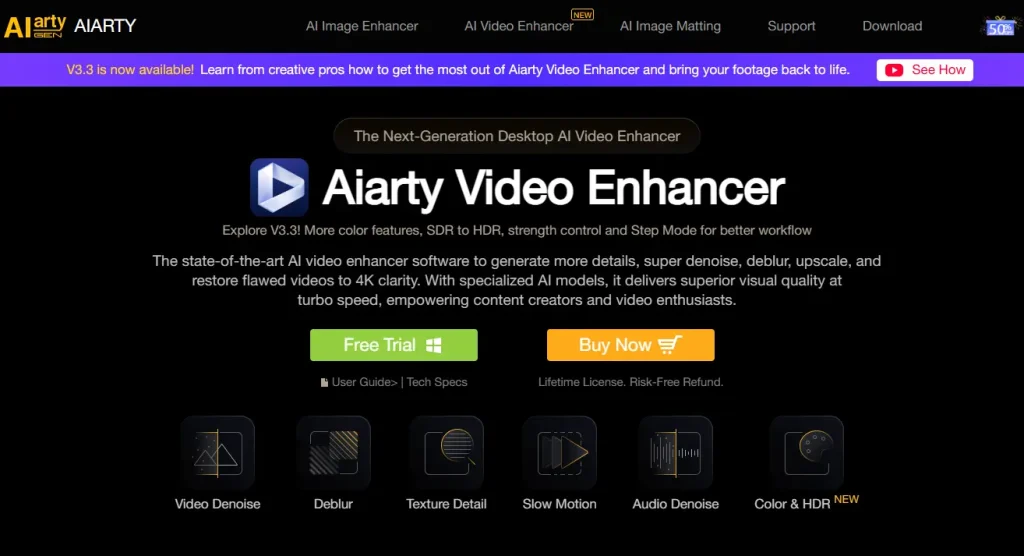
Aiarty Video Enhancer – Best Overall Topaz Video AI Alternative
Price: $165 lifetime (3 PCs) | Max Resolution: 4K | Platforms: Windows, Mac
Aiarty delivers the best balance of quality, speed, and price. It excels at upscaling AI-generated videos from Midjourney or Runway, producing clean results comparable to Topaz Video AI.
Strengths:
- Fast processing compared to Topaz Video AI
- User-friendly interface with minimal learning curve
- Excellent for modern AI-generated content
- Supports 3 computers per license
Limitations:
- Maximum 4K output (no 8K like Topaz Video AI)
- Fewer AI models
For most users seeking a Topaz Video AI alternative, Aiarty hits the sweet spot.
HitPaw VikPea – Most Feature-Rich Topaz Video AI Alternative
Price: $284-$350 lifetime | Max Resolution: 8K | Platforms: Windows, Mac
HitPaw VikPea packs the most features of any Topaz Video AI alternative. With 7 different AI models, 8K output support, and built-in colorization, it’s the closest match to Topaz Video AI’s feature set.
Strengths:
- 7 AI models for different footage types
- 8K maximum resolution like Topaz Video AI
- Colorization feature for black-and-white footage
- Cross-platform support
Limitations:
- Higher price than other Topaz Video AI alternatives
- Can be slower with advanced models
AVCLabs Video Enhancer AI – Best for Face Recovery
Price: $199 lifetime | Max Resolution: 4K | Platforms: Windows, Mac
AVCLabs specializes in face enhancement and recovery. If you’re restoring family videos where clear faces matter most, this Topaz Video AI alternative produces remarkable results.
Nero AI Video Upscaler – Best for Windows Users
Price: $169 lifetime | Max Resolution: 8K | Platforms: Windows only
Nero offers impressive specs at a competitive price. With 8K support and 120fps frame interpolation, it matches many of Topaz Video AI’s headline features.
Tier 2: Budget Topaz Video AI Alternatives
Not everyone needs professional-grade results. These budget options deliver good quality for casual users.
VideoProc Converter AI – Best Budget Option
Price: $45-$58 lifetime | Max Resolution: 4K | Platforms: Windows, Mac
From the same company as Aiarty, VideoProc uses older AI models at a much lower price. For basic upscaling needs, it’s a solid Topaz Video AI alternative.
UniFab – Best Trial Experience
Price: Lifetime available | Max Resolution: 4K | Platforms: Windows, Mac
UniFab offers a generous free trial that lets you fully test the software before committing—perfect for users unsure about leaving Topaz Video AI.
Tier 3: Free Topaz Video AI Alternatives
For users who can’t or prefer not to pay, these free options deliver surprising quality.
SeedVR2 (ComfyUI) – Best Free Quality
Price: Free | Requirements: ComfyUI knowledge, capable GPU
Here’s a surprising finding: SeedVR2 running in ComfyUI reportedly matches or exceeds Topaz Video AI’s Starlight model in some tests. This open-source solution produces professional-grade results at zero cost.
Limitations:
- Requires ComfyUI setup and technical knowledge
- Needs a powerful NVIDIA GPU
- Steeper learning curve than Topaz Video AI
Other Free Options Worth Mentioning
- Upscayl: Easy-to-use open-source upscaler
- NVIDIA RTX Video Super Resolution: Real-time upscaling for RTX GPU owners
- DaVinci Resolve: Professional video editor with built-in upscaling
Web-Based Option: For users who prefer browser-based tools without installing software like Topaz Video AI, GStory.ai Video Enhancer offers video enhancement with a pay-per-use credit system instead of subscriptions or lifetime licenses. It upscales videos to 4K, reduces noise, and handles old video restoration—ideal for occasional users who don’t want any software commitment.
Head-to-Head Quality Comparison vs Topaz Video AI
VHS/Analog Footage Results
Top performers:
- AVCLabs: Excellent noise reduction while preserving detail
- HitPaw VikPea: Multiple models let you find the best match
- Aiarty: Good balance of cleanup and natural appearance
DVD Upscaling Results
Top performers:
- HitPaw VikPea: Best artifact reduction
- Nero AI: Clean 8K upscaling
AI-Generated Video Upscaling
Top performer: Aiarty Video Enhancer—specifically optimized for AI-generated content.
Face Enhancement Comparison
Top performer: AVCLabs Video Enhancer AI—purpose-built face recovery produces the best results, often surpassing Topaz Video AI for this specific use case.
Which Topaz Video AI Alternative Should You Choose?
Choose Aiarty If…
- You want the best overall value as a Topaz Video AI replacement
- You process AI-generated videos from Midjourney, Runway, etc.
- You need software that works on both Windows and Mac
- You prefer a simple, user-friendly interface
Aiarty at $165 serves most users better than any other Topaz Video AI alternative.
Choose HitPaw If…
- You need maximum features and flexibility
- 8K output is important for your projects
- You want colorization capabilities
- You’re willing to pay more for the most complete Topaz Video AI alternative
Choose Other Options Based on Your Needs
- AVCLabs ($199): Best for family footage where faces matter most
- Nero AI ($169): Best for Windows users who need 8K and high frame rates
- VideoProc ($45-$58): Best for budget-conscious casual users
- SeedVR2 (Free): Best for technical users with good hardware
FAQs About Topaz Video AI Alternatives
Can these alternatives match Topaz Video AI quality?
For most footage types, yes. Aiarty and HitPaw produce results comparable to Topaz Video AI’s standard models. The free SeedVR2 option reportedly matches Topaz Video AI’s premium Starlight model in some tests.
Do lifetime licenses include updates?
Most lifetime licenses include 1 year of free updates. After that, you can continue using the software indefinitely, but accessing new features may require purchasing an update subscription—still far cheaper than Topaz Video AI’s annual fees.
Which Topaz Video AI alternative works best on Mac?
Aiarty, HitPaw, and AVCLabs all support Mac. Of these, Aiarty offers the best Mac optimization. Nero AI is Windows-only.
What GPU do I need?
Similar to Topaz Video AI, these alternatives work best with NVIDIA GPUs with 8GB+ VRAM. An RTX 3060 or better is recommended.
Conclusion
The shift to subscription pricing has pushed many users away from Topaz Video AI, and legitimate alternatives now offer comparable quality at a fraction of the long-term cost.
For most users, Aiarty Video Enhancer at $165 delivers the best combination of quality, speed, and value as a Topaz Video AI replacement. It costs less than six months of Topaz Video AI subscription.
Power users should consider HitPaw VikPea for its 7 AI models, 8K output, and colorization features—still cheaper than one year of Topaz Video AI.
Budget-conscious users can start with VideoProc at $45-$58 or explore the free SeedVR2 option.
The math is simple: over three years, Topaz Video AI costs $1,197+ while lifetime alternatives cost $165-$350 once. That’s over $800 in savings.
Ready to switch? Start with the Topaz Video AI alternative that matches your primary use case and enjoy professional video enhancement without the subscription burden.
Leave a Reply