Last Updated on February 5, 2026 by Leslie
Tried a dozen background removers and none of them work? Same. Most “free” tools hit you with a paywall right when you need the HD download, or the edges come out looking like someone attacked your image with safety scissors.
So I tested 10 of them. Same image each time—a product shot with wispy hair, because that’s where most tools fall apart. Here’s what actually happened.
Quick Comparison: Best Transparent Background Maker Tools
How to Make an Image Have a Transparent Background
Upload. Wait. Download as PNG. That’s it for most AI tools. The difference is whether the result looks professional or like a ransom note cutout.
What matters: edge quality, free tier limits, and whether you can actually download without creating yet another account.
Comparison Table
| Tool | Free Limit | Login? | Batch? | Best For |
| GStory.ai | Credits system, no watermarks | No (preview) | Yes | All-around free use |
| Remove.bg | 1 HD/month | Yes | Yes | Quality purists |
| PhotoRoom | 1280p, monthly cap | Yes | Yes | E-commerce |
| Canva | Pro only | Yes | No | Existing Canva users |
| Picsart | 50 images | Yes | Yes | Bulk work |
| Pixelcut | Limited | Yes | Limited | Quick edits |
| Photopea | Unlimited | No | No | Manual control |
| GIMP | Unlimited | No | No | Offline work |
| Affinity Photo | Unlimited (free now) | No | No | Professional results |
| iLoveIMG | Unlimited | No | No | Simple images |
How to Make Image Background Transparent: Top 10 Tools Reviewed
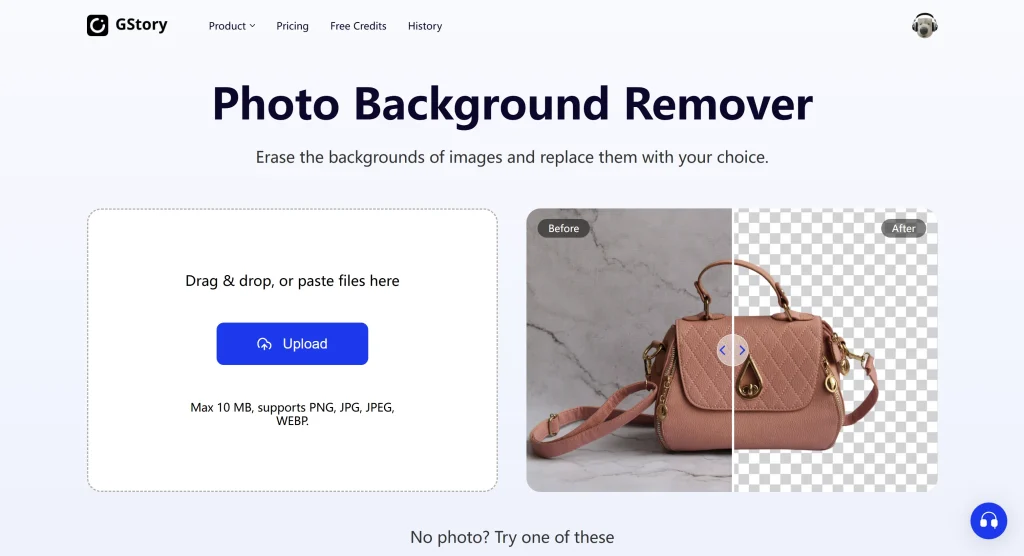
1. GStory.ai – Best Free All-in-One Solution
Started here because the no-watermark free tier caught my attention. Most tools slap a giant logo across your image unless you pay.
Uploaded my test image, got results in maybe 4 seconds. The hair edges—usually a disaster—came out clean. Batch processing works too, which matters if you’re doing product shots for an entire catalog.
The credits system felt fair. Preview free, pay credits for downloads. No surprise paywall after you’ve already invested the time.
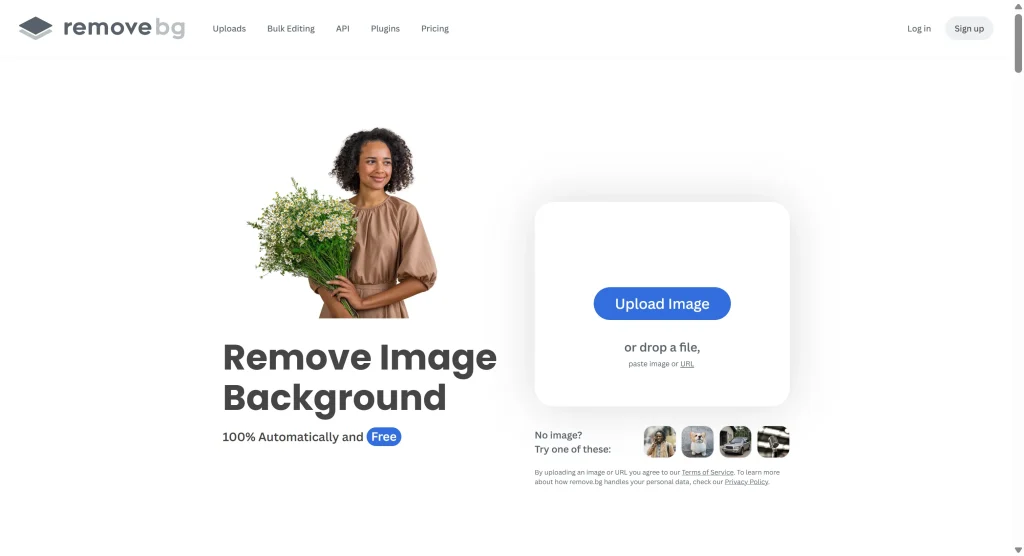
2. Remove.bg – Best Overall Quality
The industry standard for a reason. Edge detection is genuinely impressive, even on complex subjects like fur or translucent fabric.
But.
The free tier gives you one HD download per month. One. Everything else comes out at preview resolution—fine for checking results, useless for actual work. Great tool, frustrating pricing.
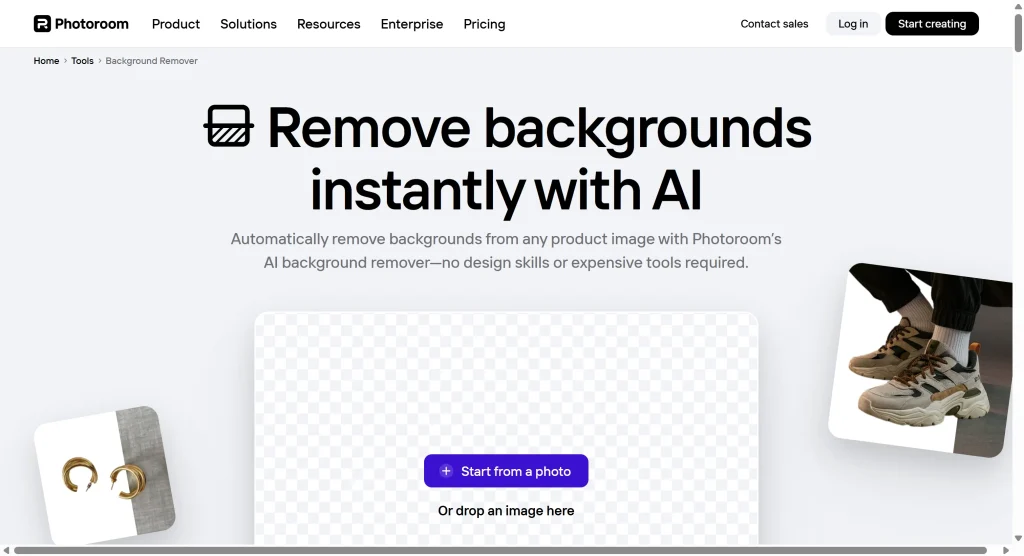
3. PhotoRoom – Best for E-commerce
Built specifically for product photos. The 1280p free resolution is more generous than most competitors.
Interface feels designed for someone listing 50 items on Etsy, not for one-off edits. If that’s you, it’s excellent. If you need one transparent logo, probably overkill.
Monthly export limits exist. Didn’t hit them in testing but something to watch.
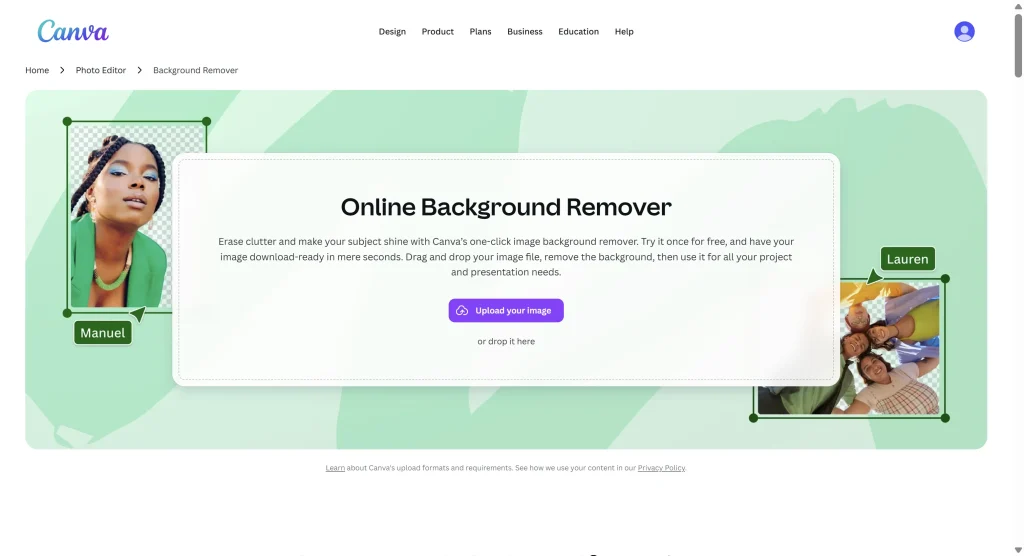
4. Canva Background Remover – Best for Design Workflows
Here’s the thing: it’s locked behind Canva Pro.
If you’re already paying for Canva, the background remover is solid and integrates smoothly with everything else. If you’re not, this isn’t a “free transparent background maker”—it’s a subscription feature.
Putting it on this list because people search for it. Just know what you’re getting into.
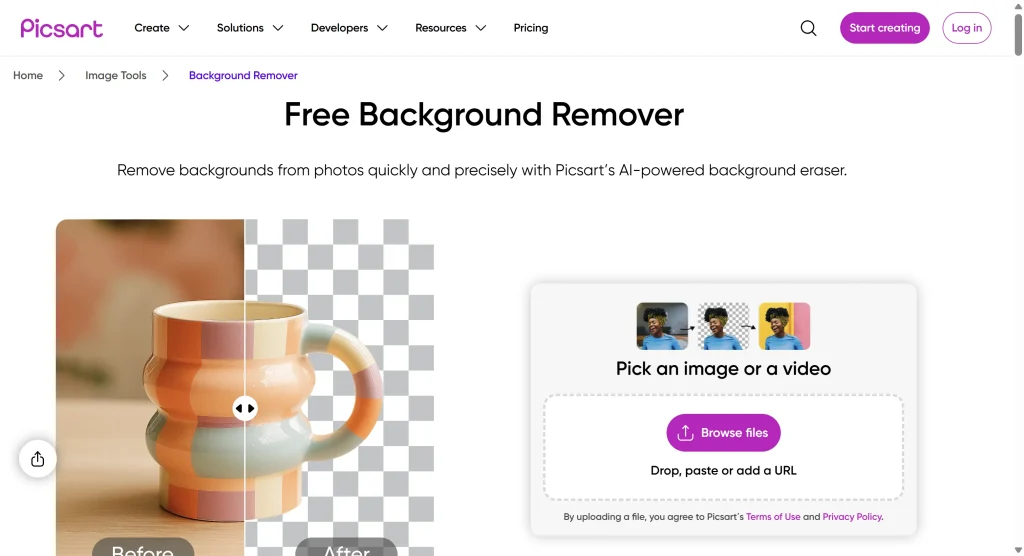
5. Picsart – Best for Batch Processing
50 images at once on the free tier. That’s significant.
Quality sits in the “good enough” category. Not Remove.bg level, but acceptable for most uses. Downloaded a few test images and the edges were clean, if not exceptional.
The app pushes you toward stickers and effects constantly. Ignore that if you just want transparent PNGs.
6. Pixelcut – Best Clean Interface
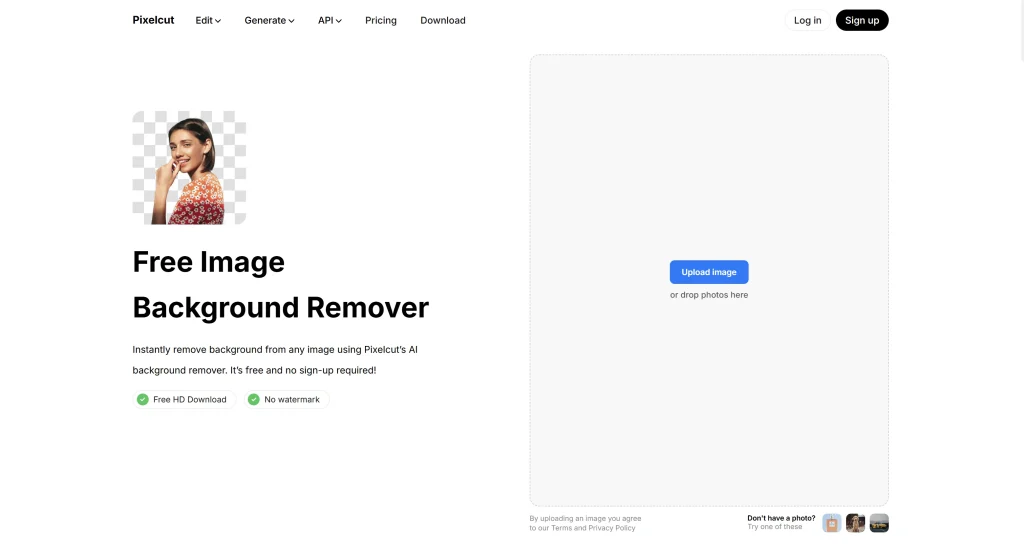
Minimal. Almost too minimal. Upload, remove, download.
Worked fine on simple subjects. Complex edges got a bit rough. The interface is pleasant if you hate cluttered tools, but limited if you need any customization.
7. Photopea – Best Free Photoshop Alternative
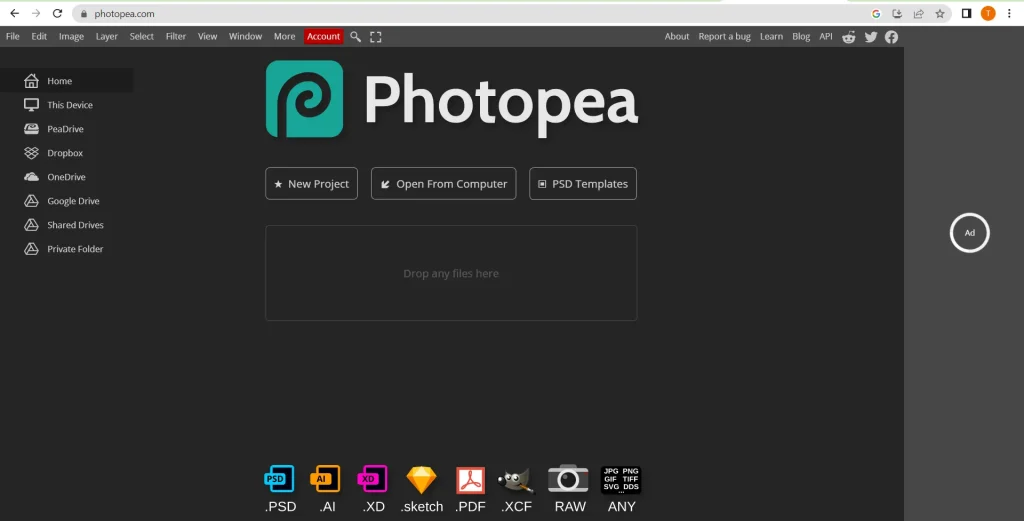
Not one-click. You’re using selection tools, refining edges manually, exporting with transparency. Old school.
But completely free, no limits, no watermarks. If you know what you’re doing—or want to learn—Photopea gives you Photoshop-level control without Photoshop pricing.
The learning curve is real. Not where I’d start if you just want quick results.
8. GIMP – Best Desktop Software
Downloaded, installed, opened.
Twenty minutes later I had a transparent background. Would’ve taken Remove.bg twenty seconds.
GIMP is powerful. GIMP is free. GIMP is also designed for people who want to understand every pixel. If that’s you, great. If you want to drag-drop-done, look elsewhere.
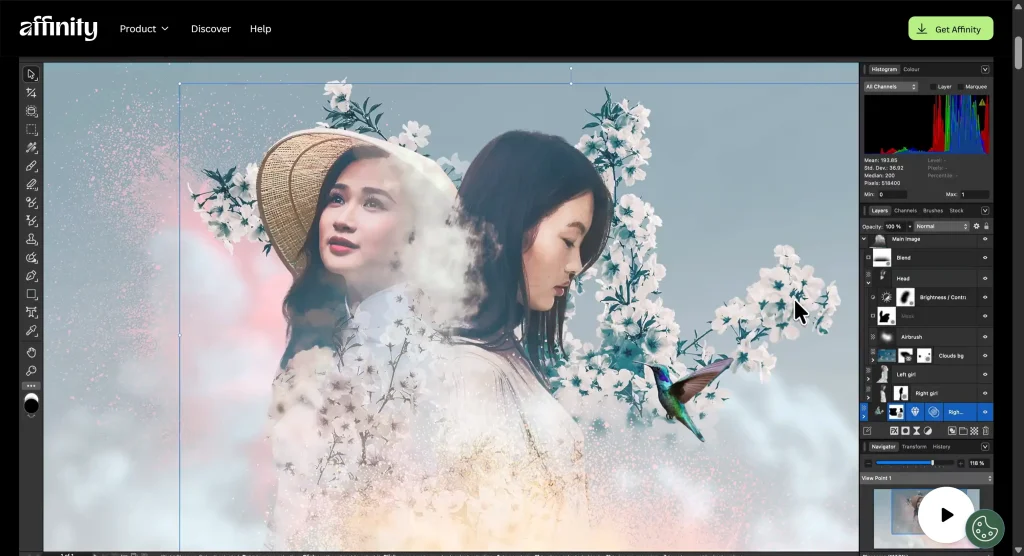
9. Affinity Photo – Best Professional-Grade Free Option
Wait, Affinity Photo is free now? Checked the date on this. Apparently yes.
This is professional photo editing software. Background removal requires some manual work but results compete with Photoshop. No subscription, no credits, just a powerful desktop application.
The catch: you’re learning actual photo editing software. Worth it if you’ll use other features. Overkill for “I need one transparent image today.”
10. iLoveIMG – Best for Simple Tasks
Fast. Simple. Free.
Worked fine on my product shot with a plain background. Fell apart on the hair detail—removed chunks that should’ve stayed. Also caught it removing small text from an image I didn’t ask it to touch.
Use for simple cutouts. Don’t trust it with complex edges or images containing text.
Choosing the Right Tool for Your Needs
Make Picture Background Transparent for Products
E-commerce sellers processing multiple products: GStory.ai or PhotoRoom. Batch processing saves hours, and consistency matters when you’re listing dozens of items.
Single product shots: Remove.bg if you have the HD download available, otherwise GStory.ai’s credits stretch further.
For Logos and Branding
Clean vector-like edges matter here. Remove.bg handles this well. Photopea gives you manual control if automatic tools miss fine details.
Avoid iLoveIMG for logos with small text—it gets confused about what’s background and what’s content.
For Social Media Content
Speed wins. GStory.ai or Pixelcut for quick turnaround. No login required for previews means you can test before committing.
If you’re already in Canva building graphics, staying in that ecosystem makes sense—assuming you have Pro.
FAQs About Transparent Background Makers
Which free transparent background maker has no login required?
GStory.ai lets you preview without logging in. Photopea, GIMP, and Affinity Photo require no account at all. Most AI tools want your email before showing results—frustrating when you’re just testing.
Can I remove backgrounds from multiple images at once for free?
Picsart handles up to 50 images in batch mode on free tier. GStory.ai supports batch processing through their credits system. Most other free tools process one image at a time.
Why does my transparent image show a checkered pattern when I download it?
The checkered pattern represents transparency—it’s not actually in your file. Your image is transparent; that’s just how software displays “nothing here.”
If you’re seeing checkers in the actual downloaded file, you probably took a screenshot instead of downloading, or saved as JPEG instead of PNG.
What file format should I save my transparent background image as?
PNG. Always PNG for transparency.
JPEG doesn’t support transparency—your background will turn white or black. WebP supports transparency but has compatibility issues. PNG works everywhere.
Conclusion
After testing all ten, my workflow landed here: GStory.ai for everyday work because the free tier actually works without friction, Remove.bg when quality is critical and I have an HD download to spend, Photopea when I need manual control over tricky edges.
The right tool depends on volume (batch processing matters for e-commerce), complexity (hair and fur need better AI), and budget (truly free vs. freemium with limits).
Try GStory.ai’s background remover for your next image—no signup required to preview results.
Leave a Reply