Last Updated on April 3, 2026 by gaojie
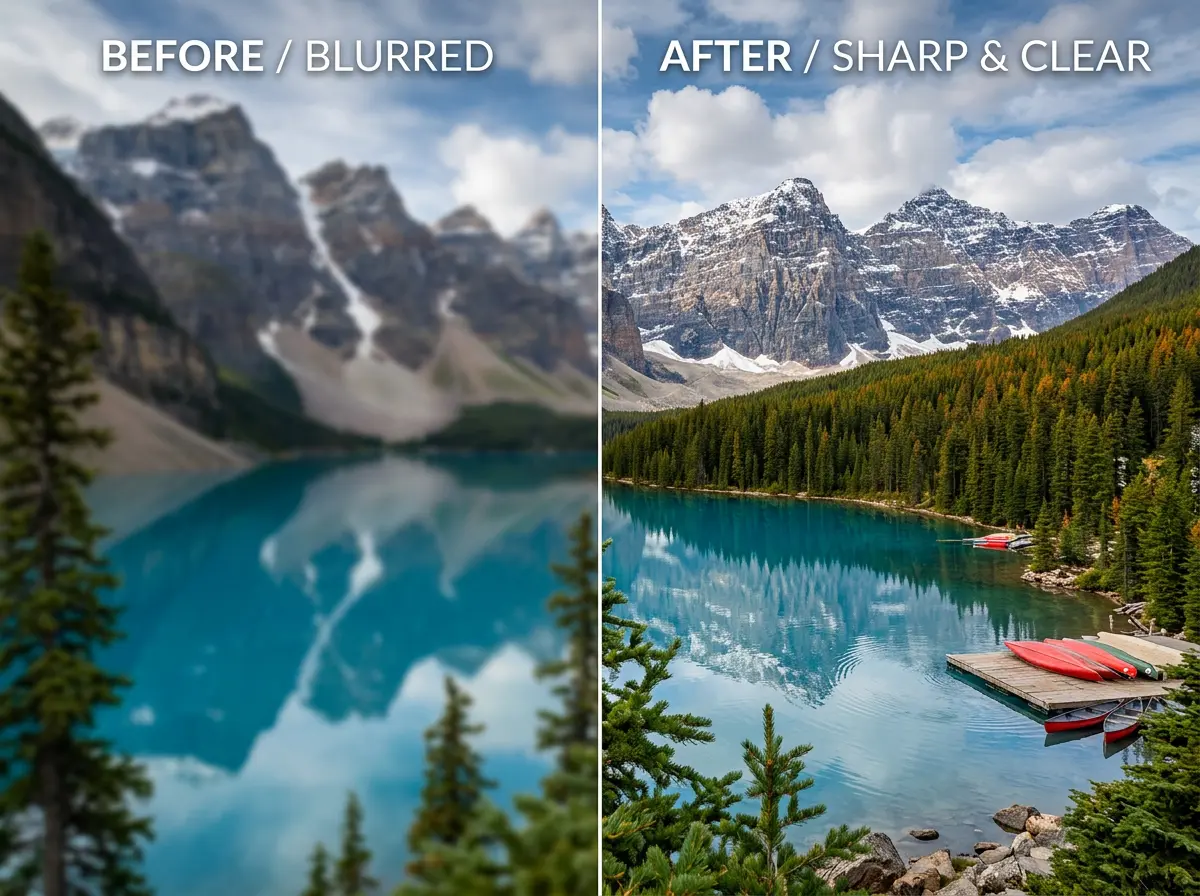
Ever tried enlarging a photo only to end up with a pixelated disaster? Modern AI image enhancer tools have transformed what’s possible—but choosing the right one feels overwhelming. Many claim to be free while hiding aggressive watermarks. Others charge subscription fees that keep climbing.
After testing over a dozen options, this guide breaks down which tools actually deliver. Whether you need a quick browser solution or professional-grade software, you’ll find the right fit for your needs and budget here.
What Is an AI Image Enhancer? (And How It Differs from Upscaling)
Before diving into recommendations, understanding what these tools actually do helps set realistic expectations.
How AI Enhancement Works
AI enhancers use neural networks trained on millions of images to analyze your photo and intelligently add detail. Unlike traditional interpolation that simply copies pixels, these algorithms recognize patterns—edges, textures, faces—and reconstruct them intelligently.
Two main approaches dominate: GAN-based (Generative Adversarial Networks) and diffusion-based models. GANs excel at preserving original details, while diffusion models can generate more creative enhancements.
Upscaling vs Enhancing: What’s the Difference?
These terms often get confused:
- Upscaling increases resolution (making images larger)
- Enhancing improves quality (sharpness, noise reduction, detail recovery)
Many tools do both, but some specialize. Knowing which you need prevents choosing the wrong solution.
What AI Can (and Can’t) Fix
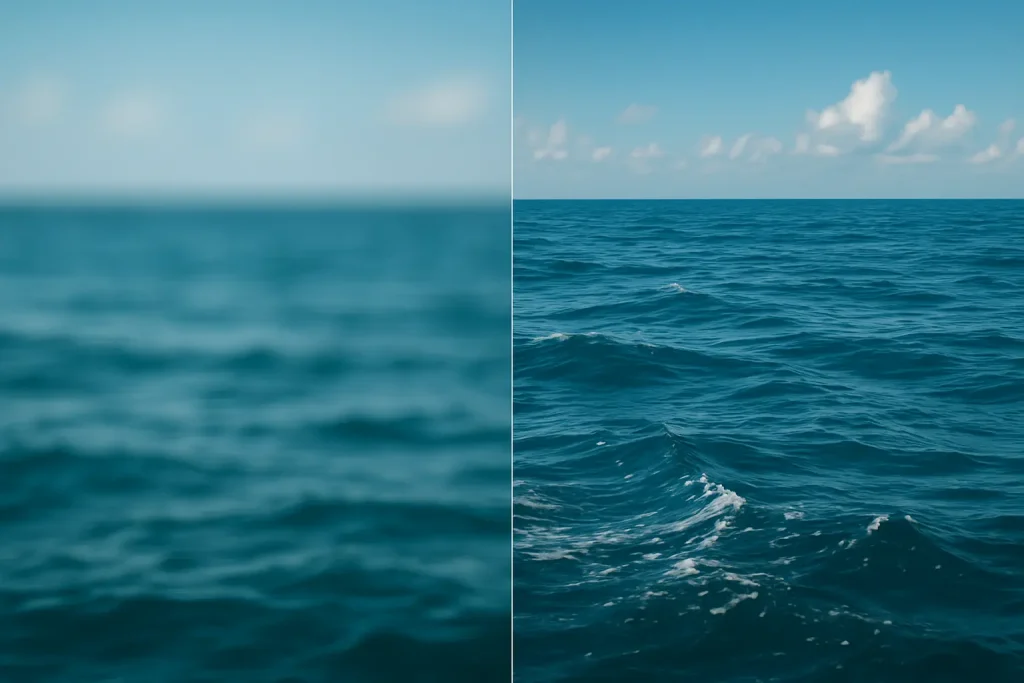
AI works wonders on mildly blurry photos, noise reduction, and resolution increases. However, severely damaged images or extremely low-resolution files have limits. The AI enhances existing information—it can’t magically create detail that never existed.
What to Look for in an AI Image Enhancer
Community discussions reveal consistent priorities when choosing tools.
Pricing Models: Subscription vs One-Time vs Free
The biggest pain point in online discussions? Subscription fatigue. Many users express frustration with Topaz’s shift to annual pricing and prefer:
- One-time purchase (lifetime license)
- Credit-based systems (pay per use)
- Genuinely free tiers without hidden limitations
Output Quality: Natural vs Over-Processed Results
The “plastic skin” problem plagues many enhancers. Look for tools that preserve natural skin texture rather than over-smoothing faces into artificial-looking results.
Ease of Use and Workflow
Most users want simplicity: upload, enhance, download. Batch processing matters for anyone handling multiple images. Some tools require technical setup—factor in your comfort level.
Privacy and Local Processing
Privacy-conscious users increasingly prefer offline tools that process images locally. If you’re enhancing sensitive photos, consider desktop applications over cloud-based services.
Best Free AI Image Enhancers (Actually Free, No Watermarks)
These options deliver genuine value without hidden costs.
GStory AI Photo Enhancer – Best Browser-Based Free Option
GStory’s Photo Enhancer stands out for accessibility. You get 50 free credits on signup with no watermarks on outputs.
Key features:
- Upscale images up to 200% (4K resolution)
- Specialized modes for portraits, night photos, and old photo restoration
- Batch processing support
- Works in any browser—no downloads needed
It’s ideal for users wanting quick, quality enhancement without installing software.
Upscayl – Best Open-Source Desktop Option
This free, open-source tool processes images locally on your machine. You get full privacy, customizable AI models, and zero watermarks.
The catch? It requires a decent GPU and some technical comfort. But for users who value control and offline capability, Upscayl delivers impressive results without spending a cent.
Fotor AI Enhancer – Best No-Signup Web Tool
Need a quick fix without creating an account? Fotor handles that. No signup required, no watermarks on the free tier, and a simple interface that gets the job done.
It offers less control than desktop alternatives but works perfectly for one-off enhancements.
Real-ESRGAN – Best for Technical Users
The gold standard in open-source upscaling, Real-ESRGAN earns respect in technical communities for reliable, artifact-free results. It handles both photos and anime-style images well.
Command-line setup may intimidate beginners, but the output quality rivals paid tools.
Best Paid AI Image Enhancers (Premium Quality)
When free options aren’t enough, these premium tools justify the investment.
Topaz Photo AI / Gigapixel – Industry Standard
Topaz remains the quality benchmark. Multiple AI models, excellent results, and professional-grade output make it the go-to for serious work.
The controversy? A $199/year subscription replaced the one-time purchase model. Community sentiment: “Great tool, hate the business model.” Worth it for professionals who need the absolute best.
Aiarty Image Enhancer – Best Value Alternative
At roughly $49-79 for a lifetime license, Aiarty addresses subscription fatigue directly. It offers up to 32K upscaling, offline processing, and natural-looking results with strong face restoration.
Reddit discussions frequently recommend it as the best Topaz alternative for budget-conscious users.
Magnific AI – Best for Creative Enhancement
Magnific produces “movie magic” results through generative upscaling—it actually adds creative detail rather than just preserving existing information.
Premium pricing with a credit system limits casual use, but creative professionals find the results unmatched.
HitPaw FotorPea – Solid Mid-Range Choice
Multiple AI models optimized for different image types make HitPaw versatile. It handles portraits and old photos particularly well, with both monthly and lifetime pricing options available.
AI Image Enhancers by Use Case
Different needs call for different tools.
For Old Photo Restoration
Vintage photos need face restoration that preserves likeness—not AI that makes grandma look like a K-pop star. Best picks: Aiarty, GStory (old photo mode), and Topaz with face models excel here.
For AI-Generated Art
Midjourney and DALL-E outputs often need upscaling for print or high-resolution use. Best picks: Magnific AI for creative enhancement, or GStory for quick browser-based processing.
For E-Commerce Product Photos
Consistency and batch processing matter most for product imagery. Best picks: GStory (batch support, browser-based), VanceAI, or Aiarty.
For Print Preparation
Print requires higher resolution than screen display. A 300 DPI standard means an 8×10 print needs 2400×3000 pixels minimum. Best picks: Topaz Gigapixel, Aiarty (up to 32K), or Upscayl for free processing.
How to Enhance Your Photos with AI (Step-by-Step)
Here’s a practical walkthrough using a browser-based approach.
Step 1: Choose the Right Enhancement Mode
Most tools offer specialized modes:
- General – All-purpose enhancement
- Portrait – Optimized for faces and skin
- Old Photo – Designed for vintage image restoration
- Night Photo – Reduces noise in low-light shots
Select the mode matching your image type for best results.
Step 2: Upload and Process Your Image
Upload your image (PNG, JPG, or WEBP typically supported). Select your enhancement level—most tools offer 2x to 4x scaling. Click process and wait for the AI to work.
Step 3: Review and Download Results
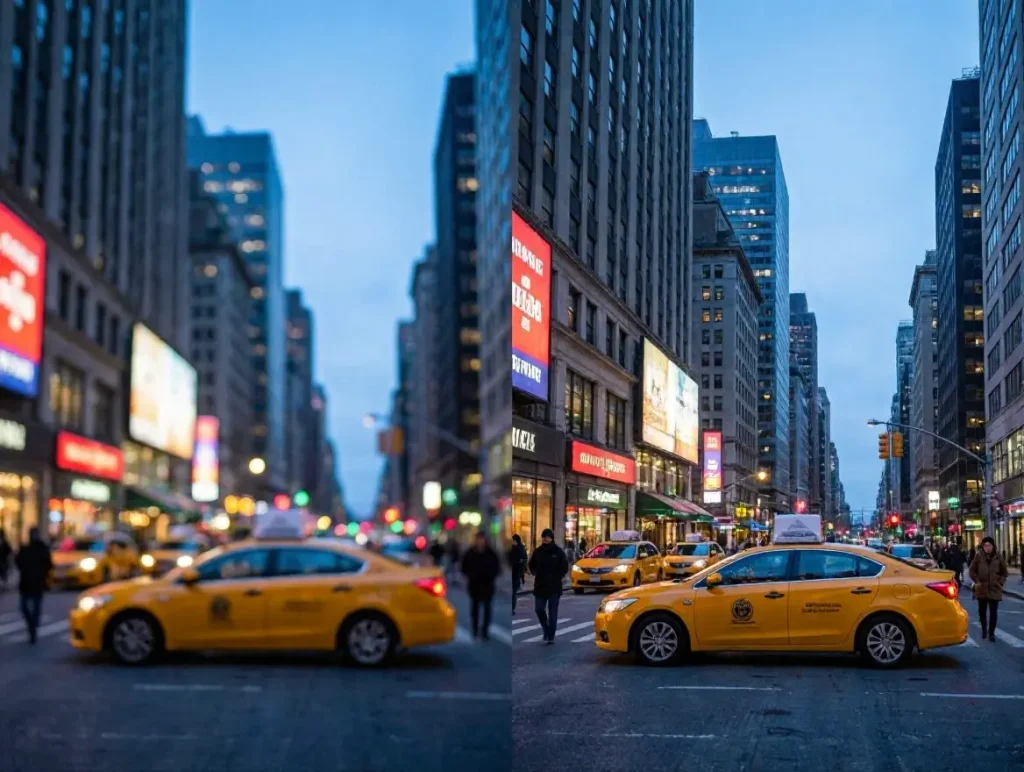
Compare before and after views. If results look over-processed, try a lower enhancement level or different mode. Download and repeat for batch processing if needed.
Common AI Enhancement Problems (and How to Fix Them)
Even the best tools have quirks. Here’s how to handle them.
The “Plastic Skin” Problem
Some enhancers over-smooth faces into artificial-looking results. Solutions: Use tools with natural texture preservation, try portrait-specific modes, or reduce enhancement intensity.
AI Changing Faces or Details
Generative AI sometimes invents or alters facial features. This matters enormously for family photos. Solution: Choose “faithful” over “creative” enhancement modes, or use tools that prioritize preservation over generation.
Inconsistent Results Across Image Types
The same tool produces different quality on portraits versus landscapes versus graphics. Solution: Use specialized models or switch tools based on image type.
FAQs of AI Image Enhancers
Is there a free AI image enhancer without watermarks?
Yes. GStory offers 50 free credits without watermarks, Upscayl is completely free and open-source, and Fotor provides free enhancement without requiring signup.
Can AI really fix blurry photos?
AI significantly improves mildly to moderately blurry photos by sharpening details and reducing noise. Severely out-of-focus images have limits—AI enhances existing information rather than creating detail from nothing.
What’s the difference between AI image enhancer and upscaler?
An upscaler increases resolution (makes images larger). An enhancer improves quality (sharpness, noise reduction, detail). Many modern tools do both.
Are online AI enhancers safe to use?
Reputable tools process images on secure servers without permanent storage. For sensitive images, offline tools like Upscayl or Aiarty that process locally offer additional privacy.
Which AI image enhancer is best for old photos?
Look for tools with face restoration features. GStory, Aiarty, and Topaz all offer specialized modes for vintage photos that repair damage while preserving the subject’s likeness.
Conclusion
The AI image enhancement landscape offers strong options across all budgets. Free tools like GStory and Upscayl deliver impressive results without watermarks or subscriptions. For professionals, Aiarty provides premium quality at a one-time price, while Topaz remains the industry standard despite pricing concerns.
The key? Match the tool to your specific needs—whether that’s quick online enhancement, batch processing, old photo restoration, or creative upscaling.
Ready to enhance your photos? Try GStory AI Photo Enhancer with free credits to test AI enhancement instantly in your browser—no download or subscription required.
Leave a Reply