Last Updated on October 30, 2025 by gaojie
In our modern digital world, videos have become one of the most powerful ways to communicate ideas, share knowledge, and connect with people across the globe. Yet, language often stands as a barrier. Not everyone can understand every video — and that’s where subtitle translation comes in.
Subtitle translation isn’t only about converting text; it’s about making your video accessible to everyone, regardless of their language. If you’ve ever uploaded a YouTube video or shared a TikTok clip, you already know how important subtitles are. Adding translated subtitles can boost engagement, increase watch time, and help your video reach international audiences.
In this guide, we’ll explore the best subtitle translate tools online in 2025, how they work, and why you should start using them today. Whether you’re a content creator, business owner, or educator, this list will help you choose the right tool to translate your subtitles quickly and accurately — no technical skills required.
1. What Is Subtitle Translation?
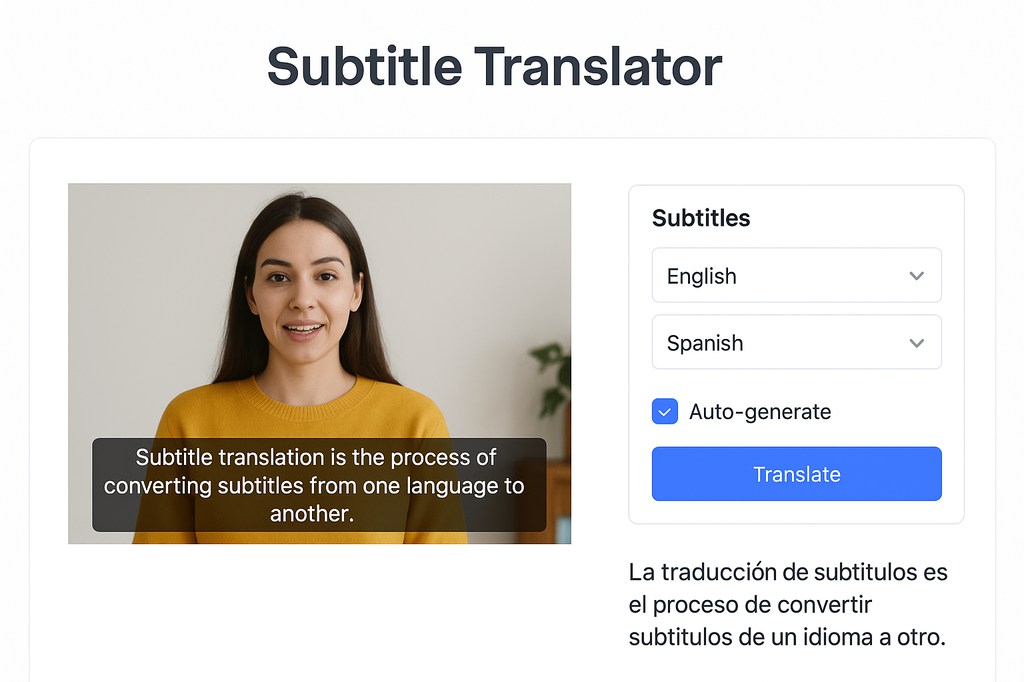
Subtitle translation is the process of converting subtitles from one language to another while keeping the original meaning, tone, and timing of the video.
Unlike simple text translation, subtitles require synchronization with video timing, meaning each translated line must match the moment it is spoken. A good subtitle translation doesn’t just replace words — it also respects the cultural nuances, jokes, and emotions of the original speech.
Example:
If someone says “break a leg” in English, a literal translation would sound strange in another language. A well-translated subtitle would replace it with a local expression that means “good luck.”
That’s why AI-powered subtitle translation tools are so valuable — they combine speech recognition, timing alignment, and language understanding in one process.
2. Why Subtitle Translation Matters
Here’s why subtitle translation is more than a convenience — it’s a powerful communication tool:
- Reach Global Audiences: By adding subtitles in different languages, your video becomes understandable worldwide.
- Improve Viewer Engagement: People are more likely to watch until the end if they can follow along easily.
- Boost SEO: Search engines index translated subtitles, helping your videos appear in multiple language search results.
- Enhance Accessibility: Subtitles help not only non-native speakers but also people with hearing difficulties.
- Build Brand Credibility: Professional subtitles reflect attention to detail and respect for diverse audiences.
In short, subtitle translation turns your video into a global asset — something that can be enjoyed by anyone, anywhere.
3. How AI Has Changed Subtitle Translation
In the past, subtitle translation was a time-consuming task. Creators had to transcribe speech manually, translate each line, and adjust timing by hand.
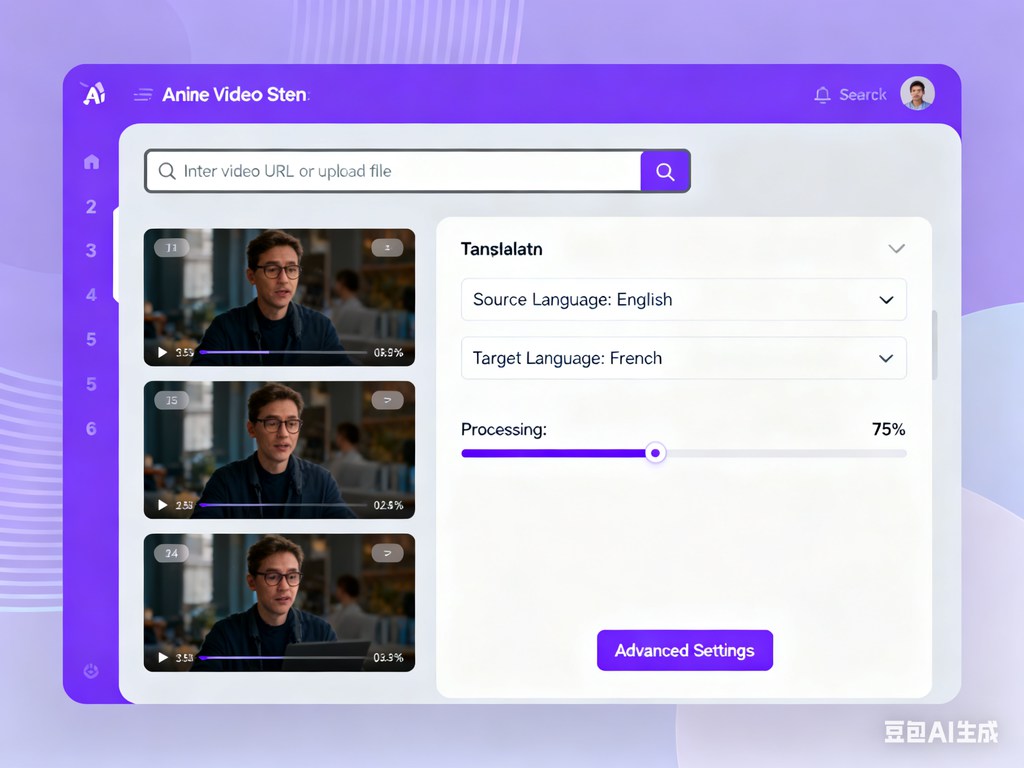
Now, with AI-powered subtitle translate tools, everything happens automatically:
- The system detects spoken words in your video.
- It generates perfectly timed subtitles.
- It translates them into multiple languages instantly.
Modern platforms like the GStory Subtitle Generator use advanced speech recognition and neural translation models to achieve high accuracy and natural tone. The result is fast, precise subtitles that sound human — not robotic.
4. The 7 Best Subtitle Translate Tools Online (2025 Edition)
| Tool Name | Main Features | Languages Supported | Free Plan | Best For |
| GStory Subtitle Generator | Auto-generate + translate subtitles with AI; high accuracy; watermark-free | 100+ | ✅ Yes | Businesses & creators |
| Kapwing | Online video editor with subtitle creation and translation | 70+ | ✅ Limited | Short-form videos |
| VEED.io | Easy interface, subtitle translate + editing tools | 90+ | ✅ Limited | YouTubers, marketers |
| Happy Scribe | Human-level transcription and subtitle translation | 120+ | ❌ No | Media professionals |
| Subtitle Edit (Desktop) | Manual editing with Google Translate plugin | 80+ | ✅ Yes | Offline projects |
| Flixier | Cloud-based editing + collaboration tools | 40+ | ✅ Yes | Remote video teams |
| DeepL Translate + SRT Upload | High-quality text translation; requires manual sync | 30+ | ✅ Yes | Translating subtitle files |
5. Why GStory Subtitle Generator Stands Out
Among all available tools, GStory Subtitle Generator deserves special mention. It’s not just another subtitle app — it’s a full AI-powered video processing platform designed for speed, accuracy, and simplicity.
With GStory, you can:
- Upload your video in any format.
- Automatically generate subtitles in the source language.
- Instantly translate them into over 100 target languages.
- Edit, preview, and export them in SRT or hardcoded formats.
What makes it unique:
- Lightning-fast subtitle processing
- Support for multiple languages and dialects
- Intuitive interface (no editing skills needed)
- Secure, watermark-free exports
- Perfect for content creators, teachers, and marketing teams
Whether you’re making a YouTube tutorial, a business promo, or an educational course, GStory simplifies the entire translation workflow — from voice recognition to final export.
6. Step-by-Step Guide: How to Translate Subtitles Online
You don’t need to be a video editor to create multilingual subtitles. Just follow these steps:
- Upload Your Video
Open your chosen subtitle tool and upload your video file (MP4, MOV, or AVI). - Generate Subtitles Automatically
The system listens to the audio and creates perfectly timed subtitles. - Select Target Language
Choose the language you want to translate into — for example, Spanish, French, Chinese, or Arabic. - Review and Edit
Check for grammar or cultural nuances to make the subtitles sound natural. - Export or Embed
Save the translated subtitles as an SRT file, or burn them directly into your video.
Pro Tip: Always preview your subtitles on both desktop and mobile to ensure the timing and readability are perfect.
7. Common Subtitle Translation Mistakes to Avoid
Even the best tools can’t fix everything if users make these common mistakes:
- Skipping quality checks: Machine translation is fast but may miss context. Always proofread.
- Overloading text: Subtitles should be short enough to read comfortably.
- Bad timing: Make sure each subtitle appears long enough for viewers to read.
- Ignoring cultural context: Humor, idioms, and references don’t always translate directly.
To achieve professional results, keep subtitles simple, readable, and culturally adapted.
8. Benefits of Using AI Subtitle Translation Tools
Using AI subtitle tools offers both creative and practical advantages:
- Saves time: Automates transcription, translation, and timing.
- Reduces cost: No need to hire translators or editors for every video.
- Expands reach: Attracts international audiences instantly.
- Improves consistency: AI models maintain uniform style and vocabulary.
- Boosts SEO: Translated subtitles improve visibility in foreign-language searches.
With a good subtitle translator, your one-language video becomes a multi-language marketing asset.
9. Who Should Use Subtitle Translate Tools
Subtitle translation tools aren’t just for professional studios. They’re perfect for:
- YouTubers & Streamers: Make your videos accessible to fans worldwide.
- Educators & Course Creators: Offer lessons to global students.
- Businesses & Marketers: Localize ads, product demos, and webinars.
- Social Media Influencers: Increase engagement on TikTok, Instagram, and Facebook.
- Podcasters & Interviewers: Turn audio into text and translate it instantly.
No matter your field, subtitle translation helps you communicate across borders.
10. Best Practices for Better Subtitle Translation
If you want your subtitles to look professional, follow these quick tips:
- Keep lines short — no more than two per frame.
- Avoid slang unless it’s essential to the tone.
- Use simple fonts and consistent formatting.
- Align subtitles with speech rhythm.
- Double-check translated idioms and technical terms.
Remember: subtitles are meant to support the video, not distract from it.
11. The Future of Subtitle Translation
The future of subtitle translation is bright and increasingly automated. In the next few years, we’ll likely see:
- Real-time subtitle translation during live streams.
- Voice-to-subtitle conversion with near-human accuracy.
- Integration with editing software and social media platforms.
- Automatic cultural adaptation based on viewer location.
As AI evolves, tools like GStory Subtitle Generator will continue improving — making it possible to create localized content that feels native in every language.
12. Real-World Example: How Subtitle Translation Boosted Reach
Let’s look at a real example.
A small YouTube creator uploaded tech tutorials in English and decided to translate subtitles into Spanish and Hindi using an AI subtitle tool.
Within three months:
- Watch time increased by 60%.
- Views from non-English countries tripled.
- Comments in multiple languages showed higher engagement.
This simple change — adding translated subtitles — transformed the creator’s audience from local to global.
13. Summary: Choosing the Right Subtitle Translate Tool
Choosing the best subtitle translator depends on your needs:
- For speed and accuracy: GStory Subtitle Generator
- For editing flexibility: Kapwing or VEED.io
- For professional-grade results: Happy Scribe
- For offline use: Subtitle Edit
- For budget users: DeepL with SRT uploads
Each tool has its strengths, but the goal remains the same — helping your video connect with more people.
14. Final Thoughts
Subtitle translation has changed the way we share and understand information. What used to be a tedious task is now an easy, automatic process powered by artificial intelligence.
By using AI subtitle translation tools like GStory Subtitle Generator, anyone — even beginners — can create accurate, polished subtitles in multiple languages in minutes.
Whether you’re growing a brand, teaching online, or sharing your story, translated subtitles open doors to a global audience.
Your voice deserves to be heard everywhere.
Start translating your subtitles today — and let your videos speak every language.
Leave a Reply