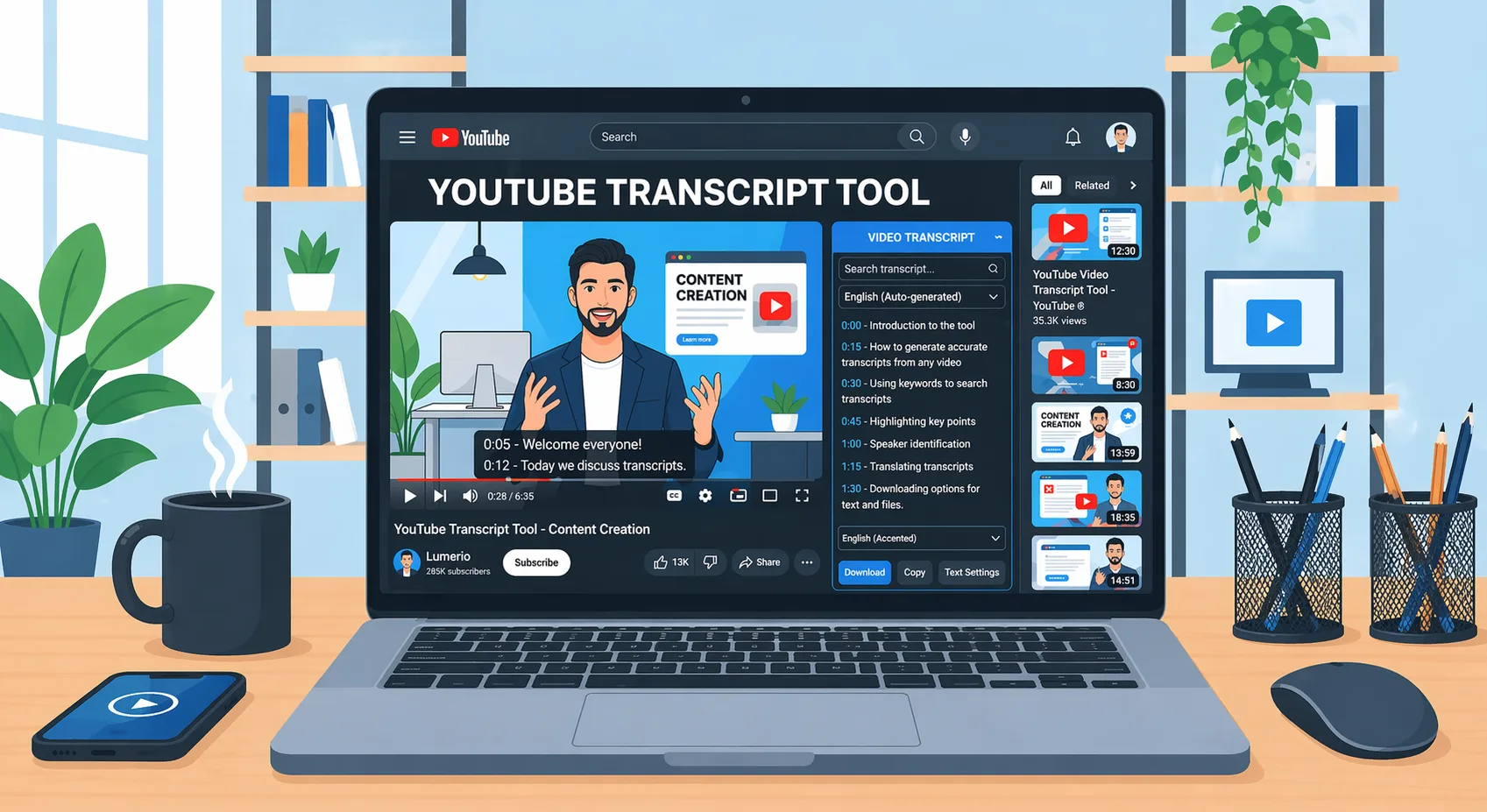
Last Updated on April 21, 2026 by
You found the right YouTube video. Now you need the text.
That sounds simple, but YouTube transcripts are still awkward in real life. The built-in transcript feature is easy to miss, copying it on mobile is annoying, and many third-party tools only work well when captions already exist.
So instead of listing every tool in the category, we narrowed this guide down to 8 options that actually cover different needs. After testing them on short clips, long lectures, accented speech, and videos without captions, these are the YouTube transcript tools that stood out most in 2026.
How We Tested These YouTube Transcript Tools
We tested these tools in April 2026 using a simple real-world checklist.
Our test videos included a short tutorial, a mid-length interview, a long lecture, accented speech, and a video with no captions. We looked at transcript quality, speed, ease of copying or exporting, available formats like TXT, SRT, and VTT, and whether the tool still worked when captions were missing.
This was not a lab test. The goal was to see which tools felt genuinely useful in everyday use.
Best YouTube Transcript Tools in 2026
Here’s the quick comparison before the full reviews.
| Tool | Best For | Pricing Model | Free Access | Export Formats | Works Without Captions |
| NoteGPT | Quick no-signup use | Free / Paid | Yes | TXT, PDF | No |
| Tactiq | Chrome users | Free / Paid | Yes | TXT, DOCX | No |
| YouTube-Transcript.io | Bulk extraction | Free / Paid | Limited tokens | TXT, CSV, VTT, SRT | No |
| GStory.ai | AI transcription | Credit-based | Limited credits | SRT, VTT, TXT, MP4 | Yes |
| NotebookLM | AI analysis | Free | Yes | Notes / AI chat | Partial |
| Descript | Creators and editors | Free / Paid | Yes | SRT, TXT | Yes |
| TurboScribe | Long videos | Free / Paid | Yes | TXT, SRT | Yes |
| yt-dlp | Developers | Free | Yes | SRT, VTT, TXT | With Whisper |
NoteGPT — Best Free No-Signup Option
Best for: quick one-off transcripts
NoteGPT is still one of the easiest tools for basic transcript grabbing. Paste in a YouTube link, wait a moment, and you usually get usable text without needing to create an account first. That makes it a strong pick when you just want the words and do not care about advanced editing.
Its biggest strength is convenience. It feels lightweight, fast, and beginner-friendly.
Main drawback: free limits are not always very clear.
Not ideal for: videos without captions, bulk work, or users who need structured subtitle exports.
Tactiq — Best YouTube Transcript Chrome Extension
Best for: people who spend most of their time in Chrome
Tactiq works well if you want transcript access directly in your browser workflow. Instead of bouncing between websites, you can grab transcripts while already watching or researching content in Chrome. That makes it especially useful for desktop-heavy users.
It also feels familiar if you already use browser tools for meeting notes or productivity workflows.
Main drawback: it is much less appealing outside the Chrome ecosystem.
Not ideal for: mobile users or anyone who prefers a simple paste-a-link web tool.
YouTube-Transcript.io — Best for Bulk & Playlist Extraction
Best for: extracting transcripts from multiple videos
If your workflow involves more than one video at a time, YouTube-Transcript.io makes more sense than a basic transcript copier. It stands out for playlist handling, batch-style use, and flexible export options.
This is the kind of tool that feels more useful for researchers, content teams, or anyone collecting transcript data at scale.
Main drawback: the token system can feel restrictive if you use it heavily.
Not ideal for: videos with no captions or users who only need an occasional transcript.
GStory Subtitle Generator — Best for AI Transcription & Subtitle Export
Best for: generating transcripts from audio, not just pulling existing captions
This is one of the more useful options when a YouTube video does not already have clean captions. Instead of depending only on caption extraction, GStory.ai is better suited to transcription from the audio itself. That makes it more practical for subtitle creation, repurposing videos, or working with content that needs actual transcription.
It is also stronger than many lightweight tools when export format matters. If you need SRT or VTT, this kind of workflow makes more sense than a plain transcript grabber.
Main drawback: the credit model is less attractive for very casual use.
Not ideal for: users who only want the fastest possible free caption puller.
Google NotebookLM — Best Free AI-Powered Alternative
Best for: studying, summarizing, and asking questions about video content
NotebookLM is not a transcript-first tool in the usual sense. It is better thought of as a “work with the content” tool rather than a “download the transcript” tool. If your real goal is understanding a lecture, comparing ideas across videos, or turning spoken content into notes, it can be more useful than a traditional exporter.
This is where it shines: analysis, summaries, and AI-assisted understanding.
Main drawback: it is not a dedicated transcript export tool.
Not ideal for: users who want clean transcript files with minimal extra steps.
Descript — Best for Video & Podcast Creators
Best for: creators who edit using transcripts
Descript makes the most sense when transcription is part of a bigger editing workflow. If you are already working on captions, spoken edits, or content repurposing, it is much more than a transcript tool. You can move from transcript to editing without changing platforms.
That makes it a strong option for creators, especially those working with podcasts, YouTube videos, or interview-based content.
Main drawback: it can feel heavier than necessary if all you need is plain text.
Not ideal for: users who want the simplest possible transcript-only experience.
TurboScribe — Best for Long-Form Videos
Best for: long lectures, podcasts, and extended recordings
TurboScribe is more practical than many lightweight tools when the source material is long. That matters because long videos are exactly where weak tools start to feel unreliable or inconvenient. If you regularly handle hour-long talks, webinars, or course recordings, this is a more serious option.
It is especially useful when you need full transcription instead of just existing captions.
Main drawback: it is not as convenient for quick, no-signup extraction.
Not ideal for: casual users handling short, simple videos.
yt-dlp — Best Open-Source Tool for Developers
Best for: technical users who want flexibility and control
yt-dlp remains one of the most powerful choices if you are comfortable with command-line workflows. On its own, it is excellent for extraction. Paired with Whisper or another transcription layer, it becomes far more flexible than most consumer-facing tools.
That power comes with a tradeoff, of course. This is not the tool for someone who wants a polished interface or a one-click experience.
Main drawback: it is technical and can break when platforms change.
Not ideal for: non-technical users or anyone who wants a clean web app.
How to Choose the Right YouTube Transcript Tool
Know whether you need captions or transcription
This is the biggest difference.
Some tools simply extract captions that already exist. Others can generate text from the audio itself. If a video has no captions, caption-only tools stop being useful very quickly.
Match the tool to your actual workflow
A lot of “best tool” roundups ignore this part. But the right choice depends less on features and more on what you are doing every week.
- Quick single-video transcript: NoteGPT
- Bulk extraction: YouTube-Transcript.io
- Videos without captions: GStory.ai, TurboScribe, or yt-dlp + Whisper
- AI-powered analysis: NotebookLM
- Content creation and editing: Descript
- Developer control: yt-dlp
- Browser-based use: Tactiq
Do not overpay for complexity you do not need
If you only grab a transcript once in a while, a lightweight free option is usually enough. Paid tools make more sense when you need long-video support, batch work, subtitle exports, editing features, or automation.
FAQs About YouTube Transcript Tools
How do I get a transcript from a YouTube video?
If the video already has captions, a transcript tool can usually extract them in seconds. If it does not, you need an AI transcription tool that can generate text from the audio.
Can I get a YouTube transcript without subtitles?
Yes, but not with every tool. Caption-based tools only work when subtitles already exist. For videos without captions, you need tools that transcribe audio directly, such as GStory.ai, TurboScribe, or a yt-dlp + Whisper workflow.
What is the best free YouTube transcript tool with no signup?
For quick one-off use, NoteGPT is one of the easiest options. It works well when you just want to paste a link and get readable text fast.
Are YouTube auto-generated transcripts accurate?
They are usually good enough for simple videos, but accuracy drops when the audio includes accents, multiple speakers, background noise, or technical vocabulary.
Conclusion
The best YouTube transcript tool is not always the one with the most features. It is the one that fits the way you work.
For most users, the real decision comes down to a few practical questions: do you only need existing captions, or do you need full AI transcription from audio? Do you want a quick one-time transcript, or better export options for repeated use? Are you working with short videos, long lectures, or content without captions?
Once those needs are clear, choosing the right tool becomes much easier.
Leave a Reply